OWLECTO
CPSC 581 - Human Computer Interaction, Project 3
Design a system that connects two distance separated intimates.
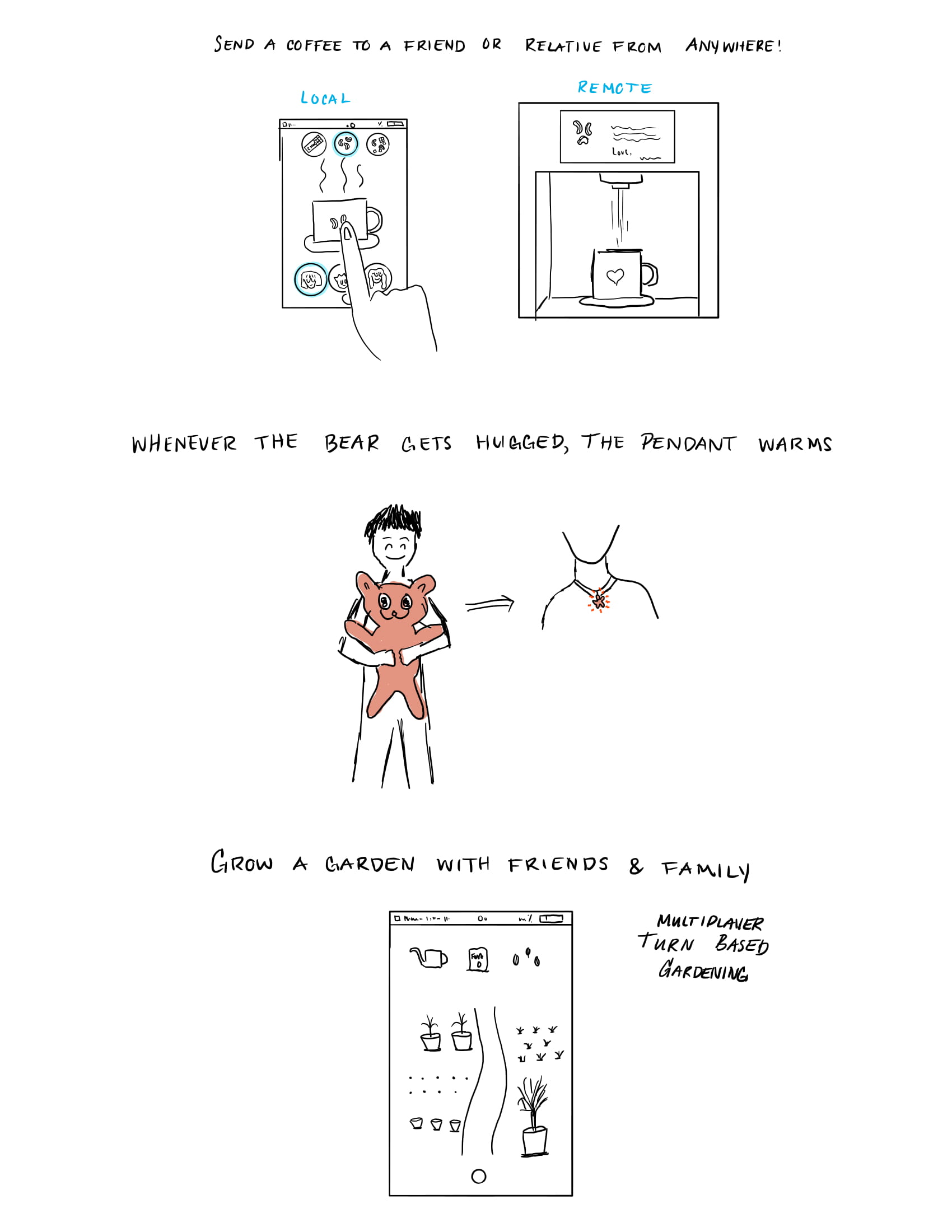
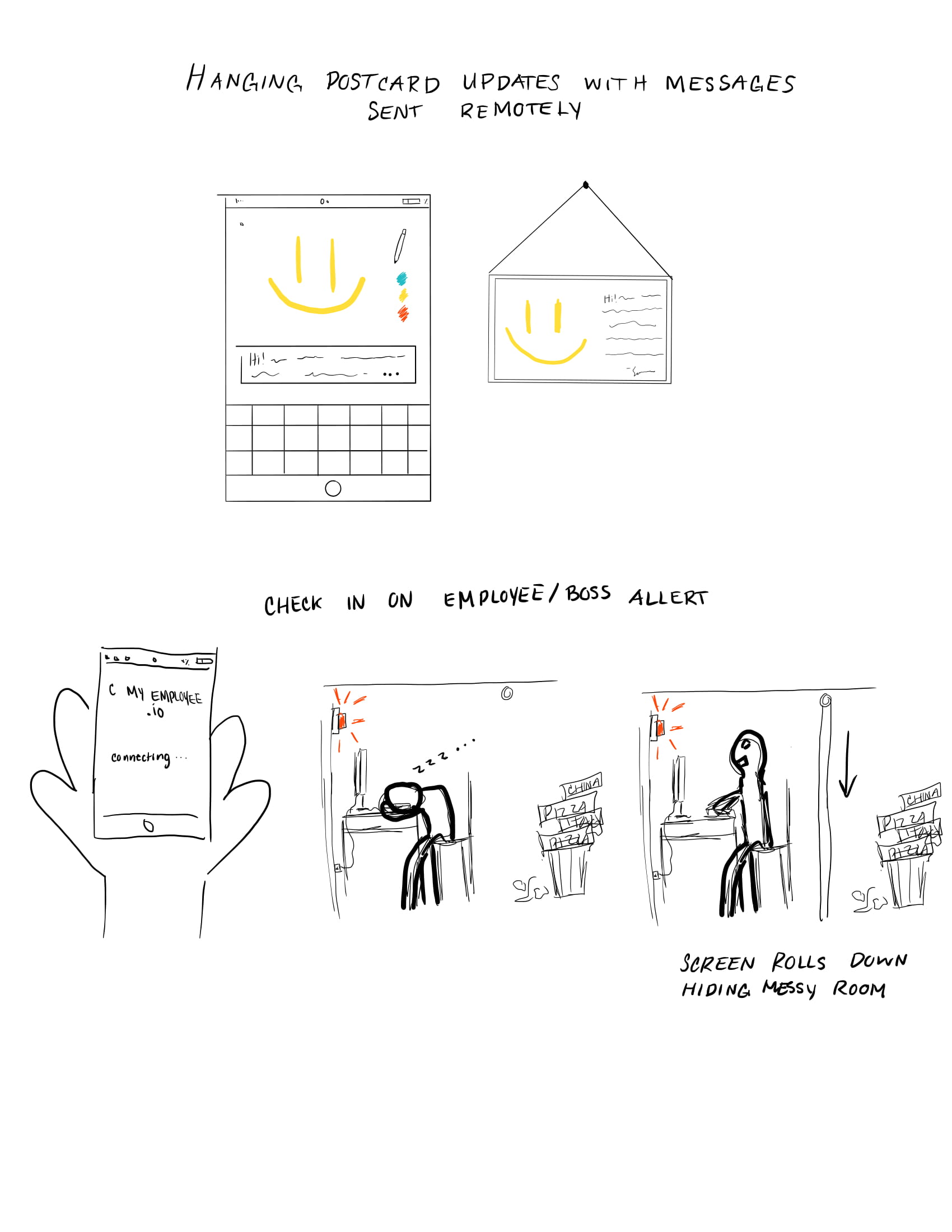
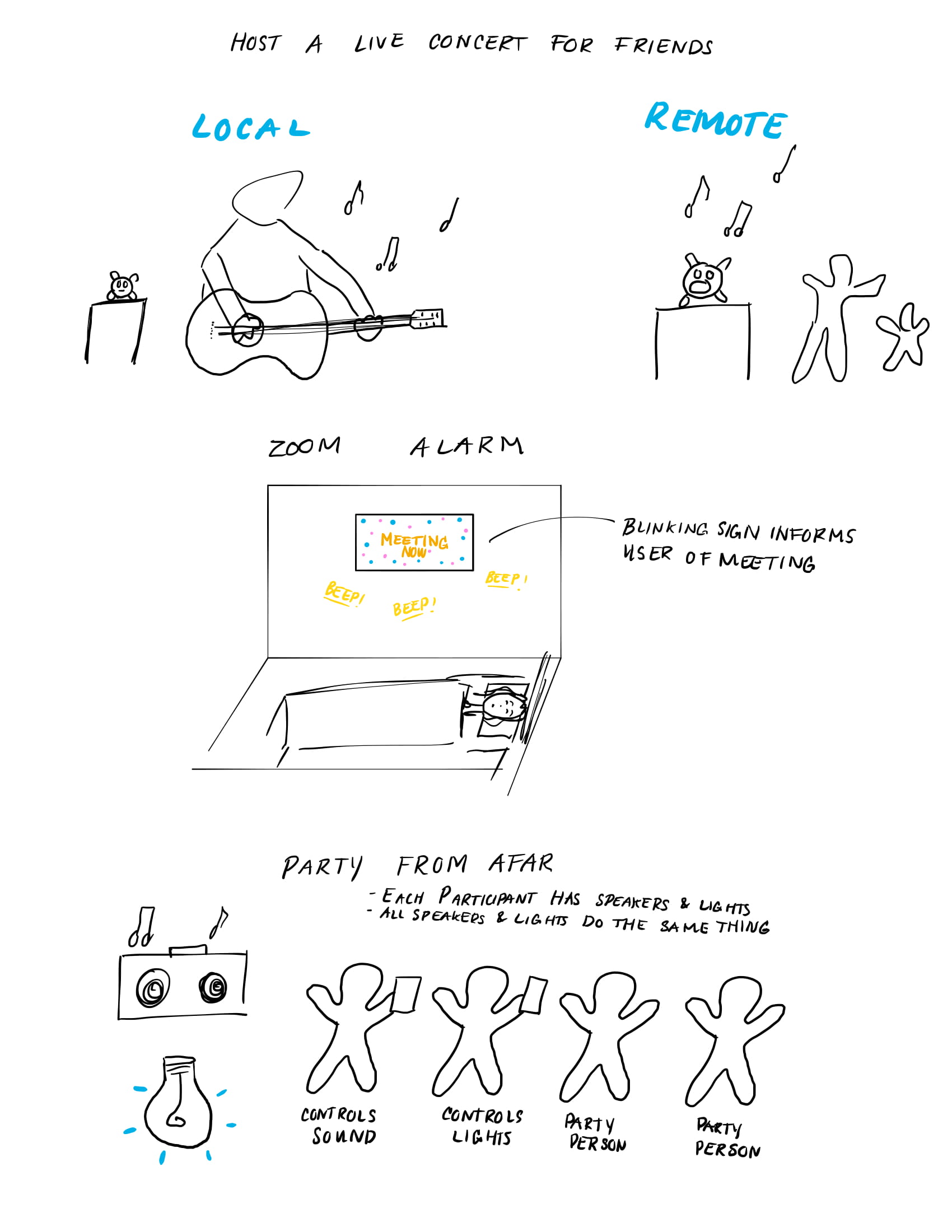
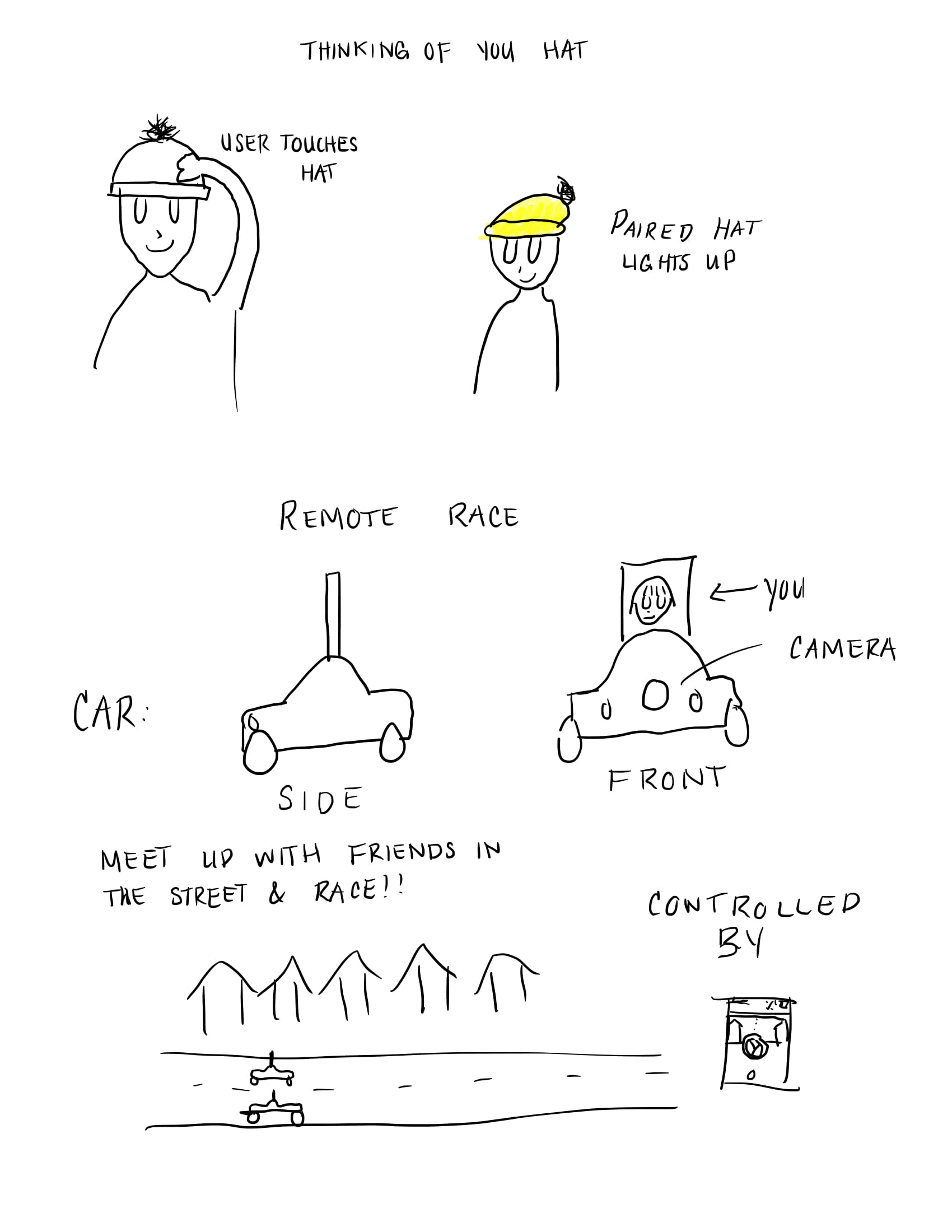
For our refined sketches we iterated on the idea of haunting someone, and the tamagotchi idea.
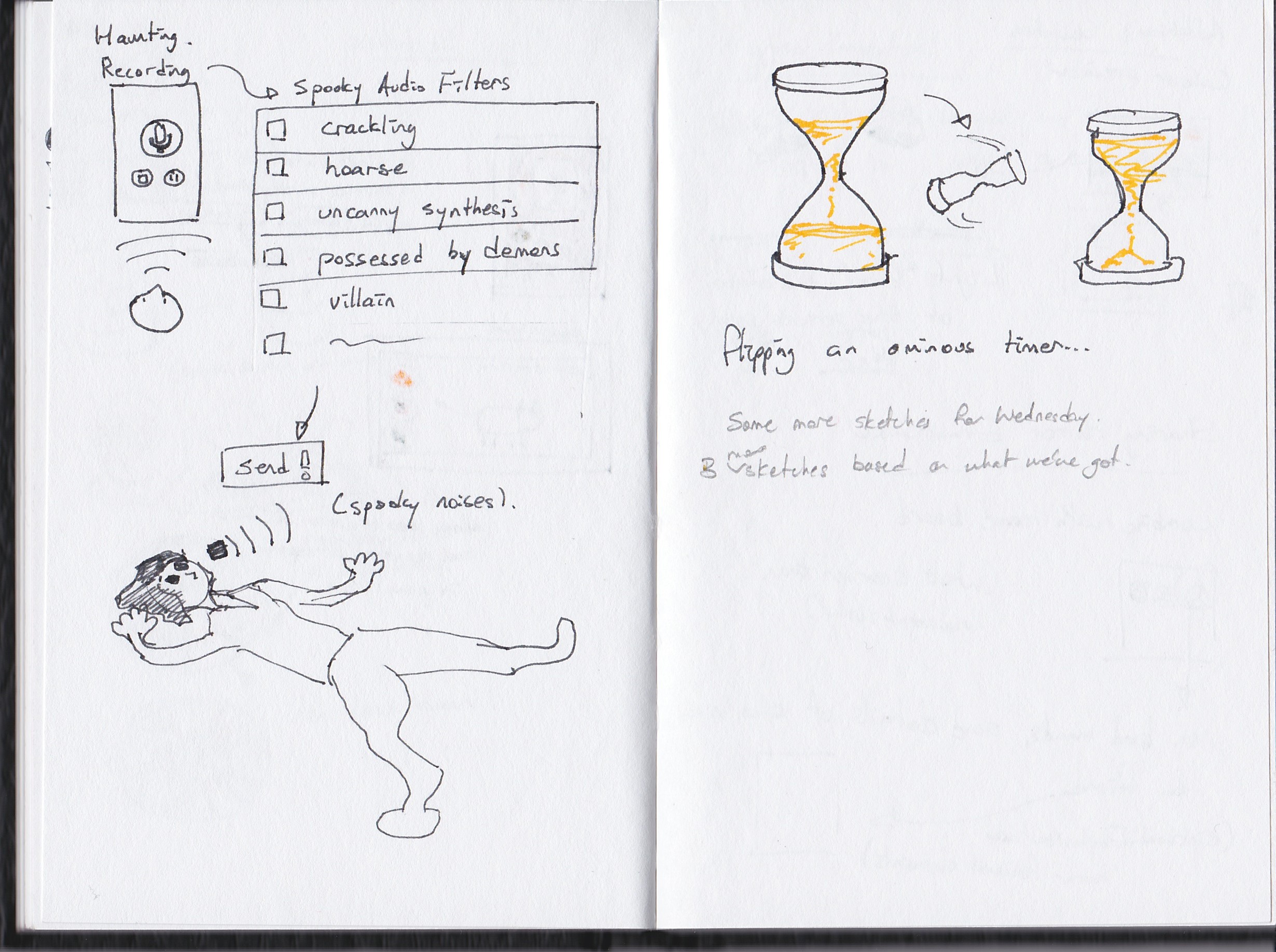
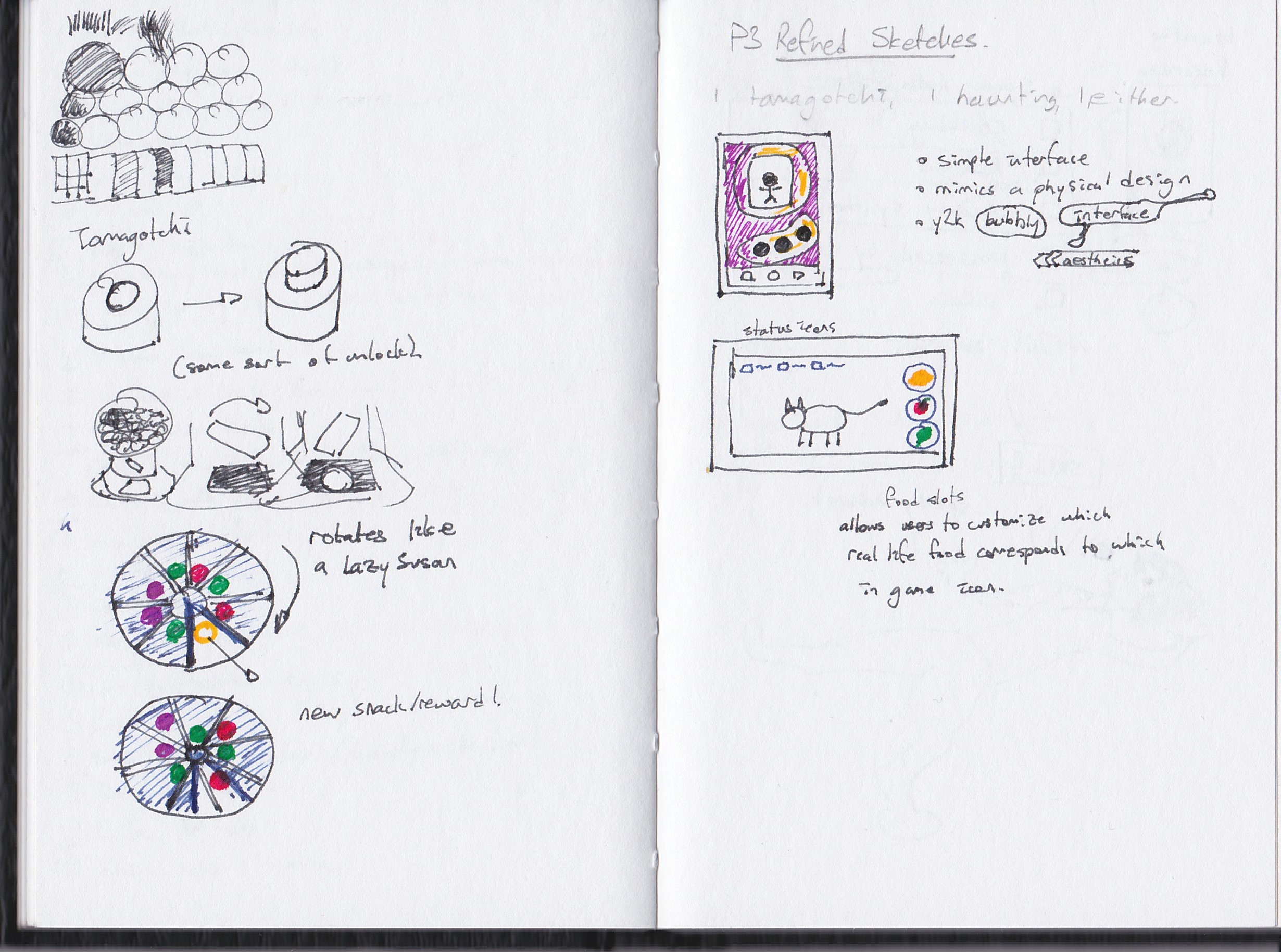
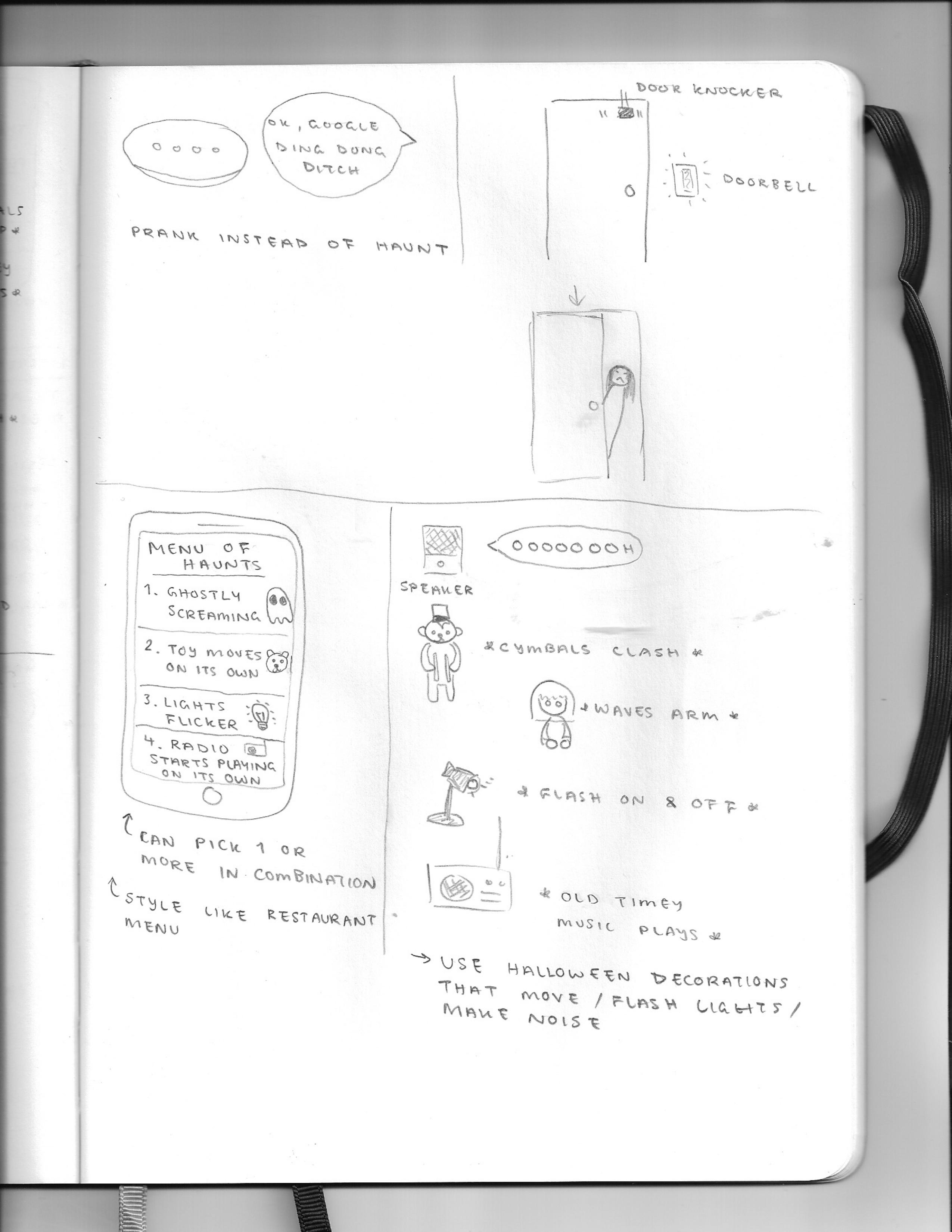
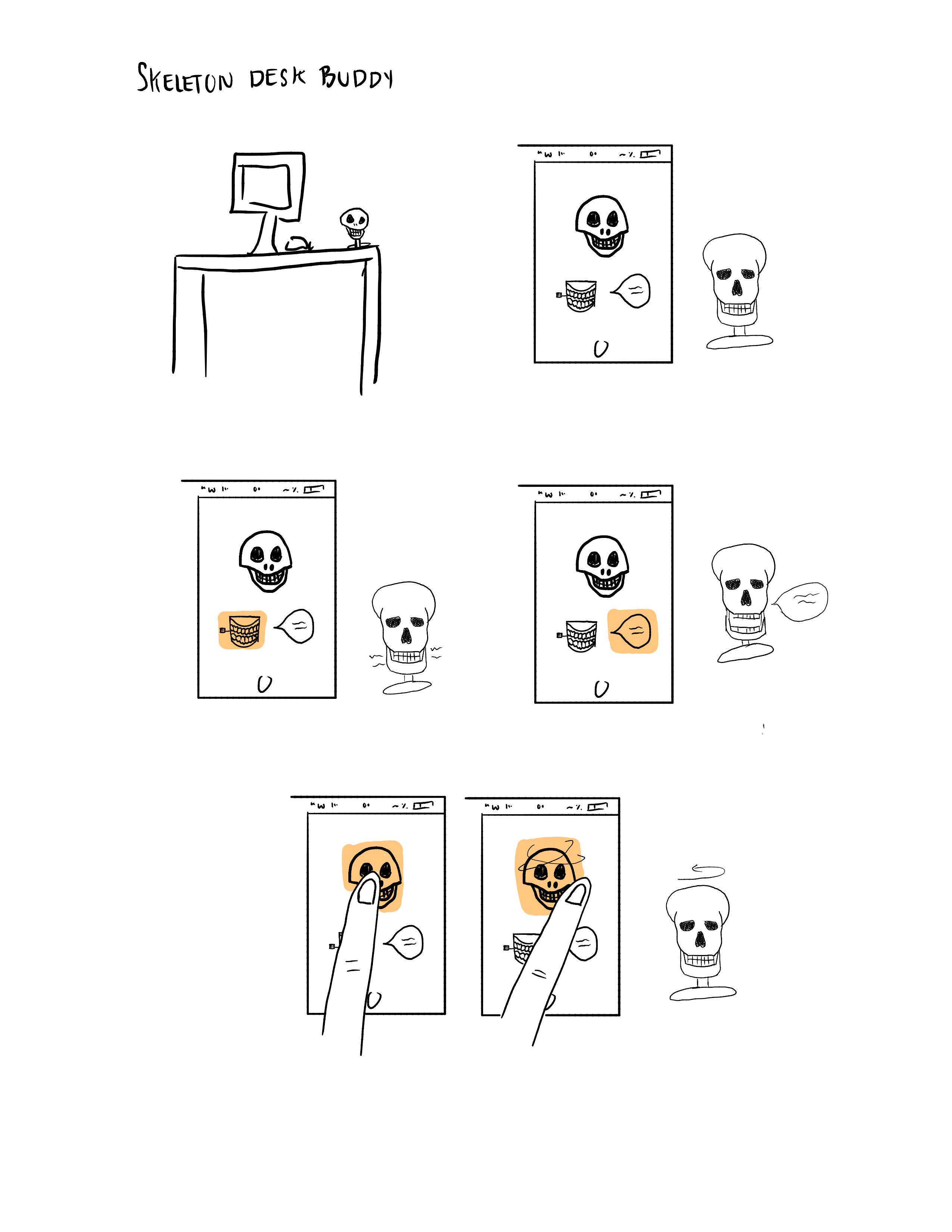
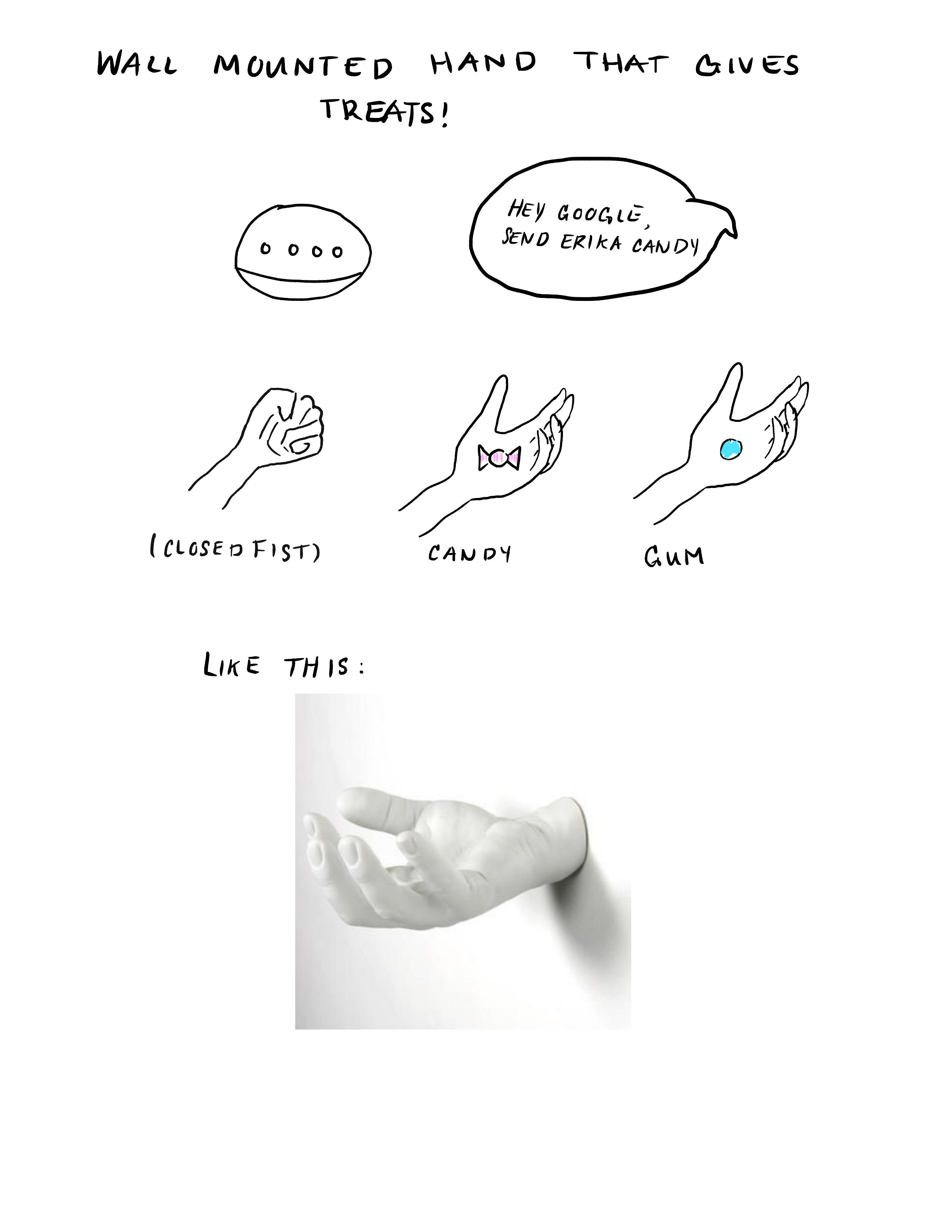
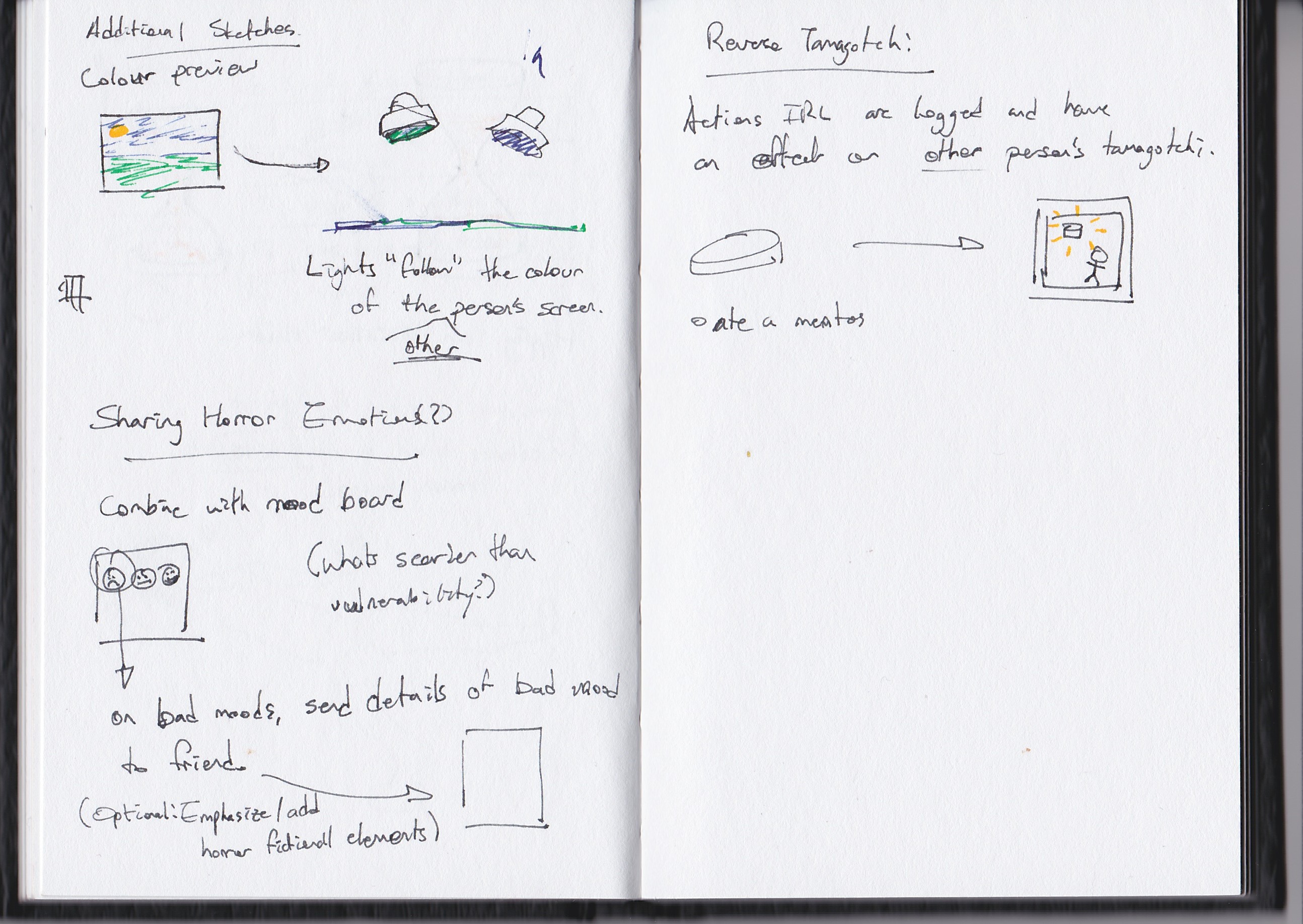
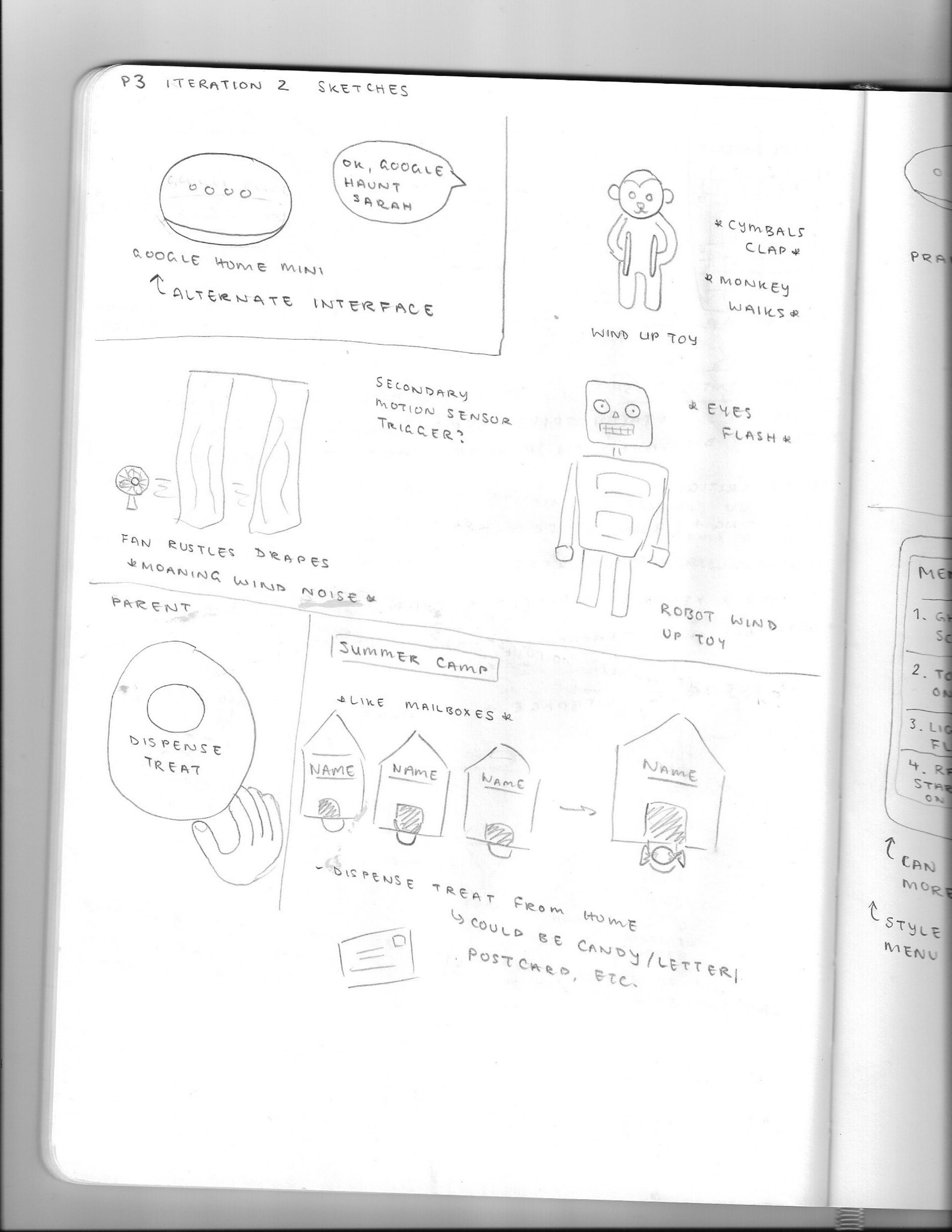
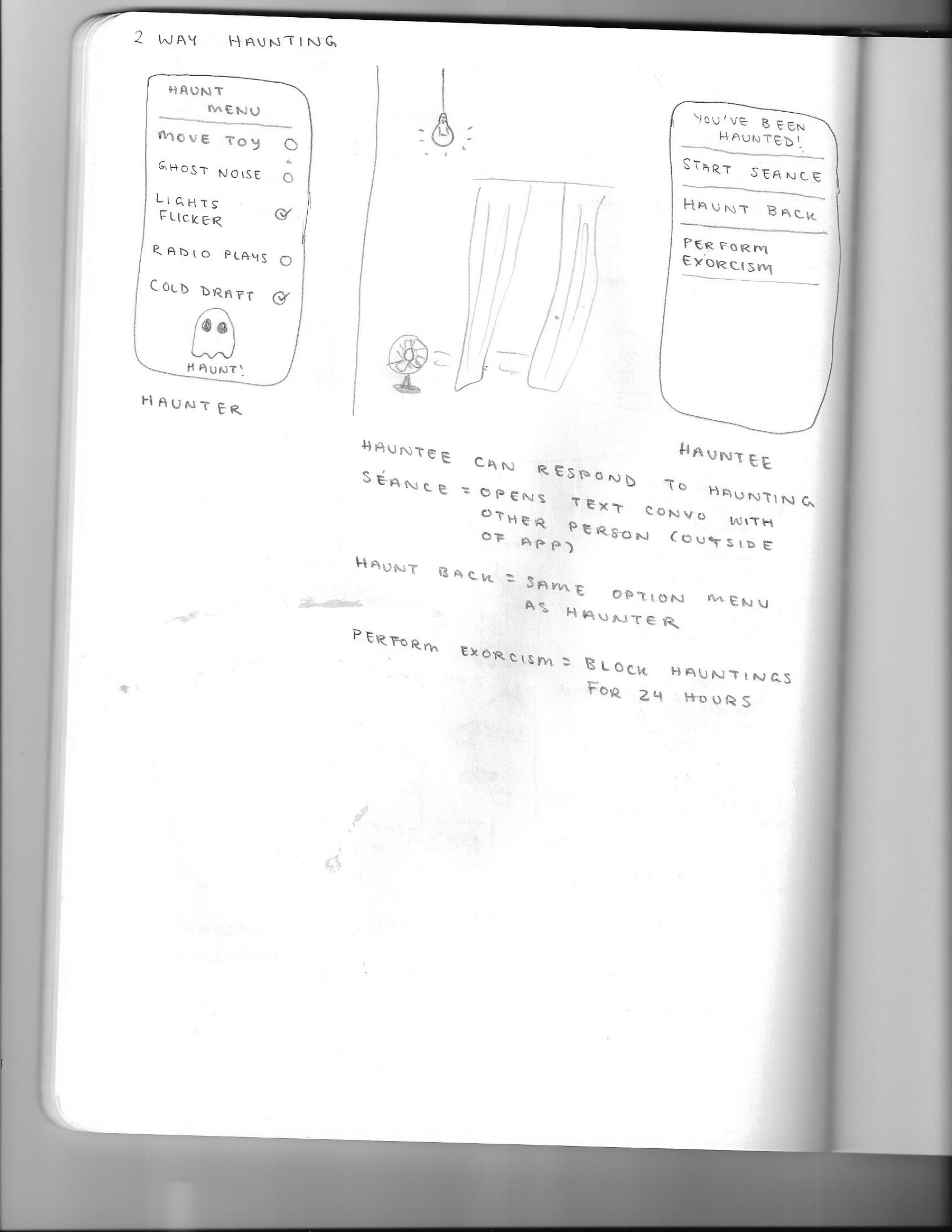
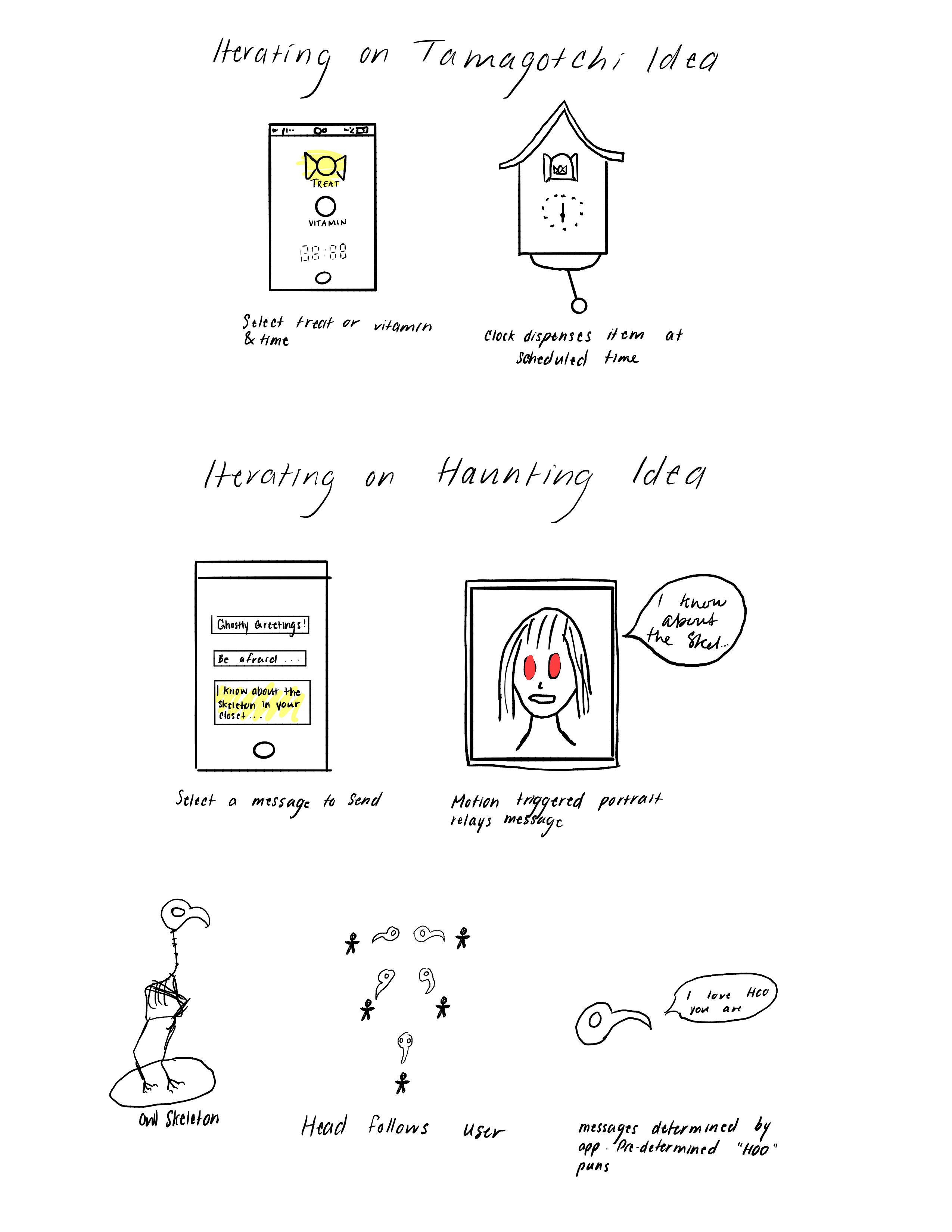
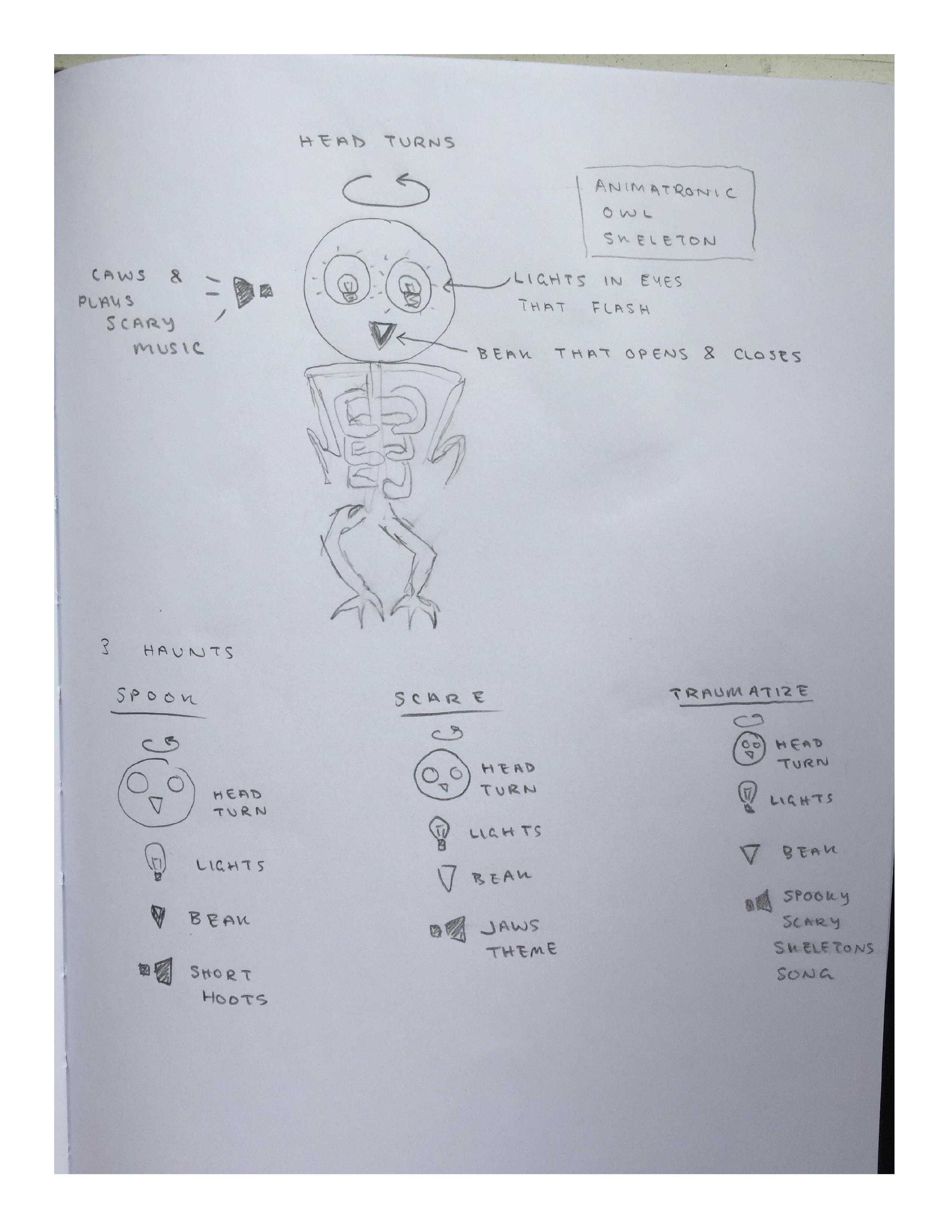
From further discussion, we decided on going hands-free for the controls. While an app would be interesting to build, we wanted to create something that was so easy to use, that the user wouldn't even have to lift a finger. To achieve this, we built OWLECTO's controls as an action for the Google Home
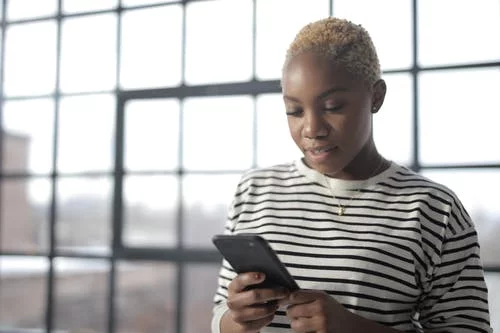
Chicago Kardashian East is a student at the University of Calgary. She was very sad when COVID-19 forced her to stay home because she loves planning social activities and hanging out with her friends (but she understands her responsibility to help flatten the curve). Chicago is a big fan of horror movies and goes to ScreamFest with her friends every year. She is often inspired by these experiences to play spooky pranks on her friends. She is very computer literate and likes to share her newest tech finds with anyone that will listen. She finds it difficult to focus on school work for long periods of time and constantly messages friends as a reprieve. Chicago has no problem initiating communications and likes to check in on people in fun and inventive ways, even if they don’t always reciprocate. However, sometimes when her friends don’t see her messages, she wishes there was a more obnoxious and immediate way she could get their attention. Chicago just wants her friends to know she’s thinking of them, and she won’t be thwarted by people who don’t regularly check their phones.
- Age 21
- In university, stuck at home because of COVID-19
- Sad that she cannot socialize with friends
- Starts conversations with people to procrastinate doing work
- Takes great pleasure in bothering and (lovingly) harassing her friends
- Enjoys horror movies and executing a good scare
- Perform small and annoying gestures for her friends, without the need for reciprocation
- Not to distract her friends too much from their activities and studies

Blue Navy Carter is a student at the University of Calgary. When the government ordered people to social distance due to COVID-19, she could no longer hang out with her friends in person. Blue and her friends share a love of horror movies and haunted houses and they constantly try to spook each other with small pranks. Though she may not admit it, Blue prefers to be the victim, because it’s a lot of work to plan and execute a good scare. She is fairly tech-savvy and is open to trying out new gadgets. Unfortunately, she is notorious for having her phone on silent and not reading messages at the time she receives them. Thus, Blue often misses her friends’ attempts to check in and start conversations when they are socially isolated. However, their small gestures bring a big smile to her face when she eventually sees them. Blue also spends most of her time at her desk, busy doing school work as the semester wraps up. As such, she rarely finds time to initiate online hangouts of her own, prefering to put the onus of communication on her more thoughtful friends.
- Age 21
- In university, studying at home because of COVID-19
- Cannot socialize with friends in person
- Consistently working at her desk
- Doesn’t respond to messages in a timely fashion
- Always has phone on silent
- Enjoys horror movies and the adrenaline rush of getting scared
- Appreciates small gestures from her friends
- Maintain friendships with minimal effort
- Focus on school work without getting sidetracked by actively participating in online conversations
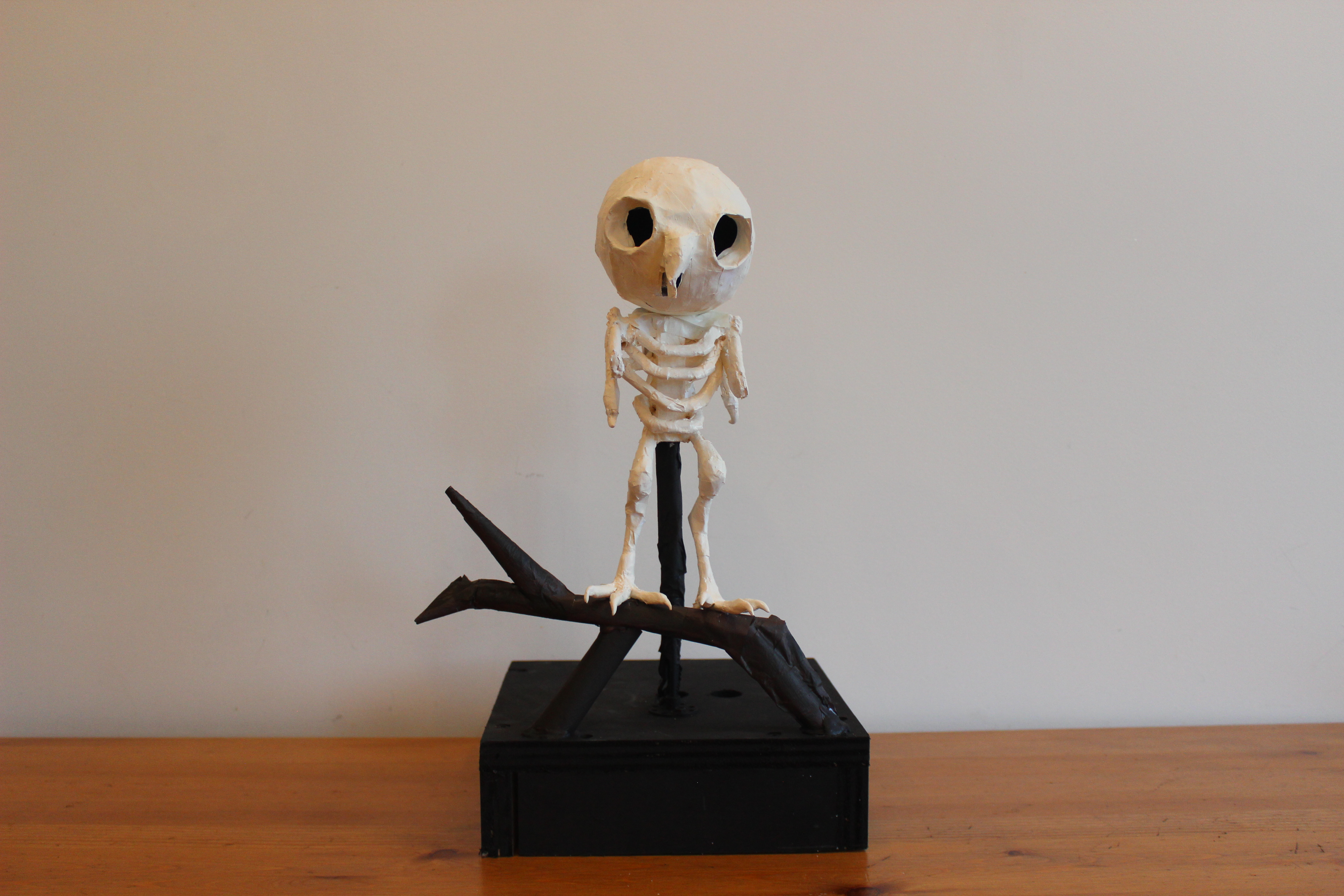
OWLECTO was made to sit near a user on a desk or table. The owl itself is made of paper mache so that it is lightweight, but strong enough to survive constant movement.
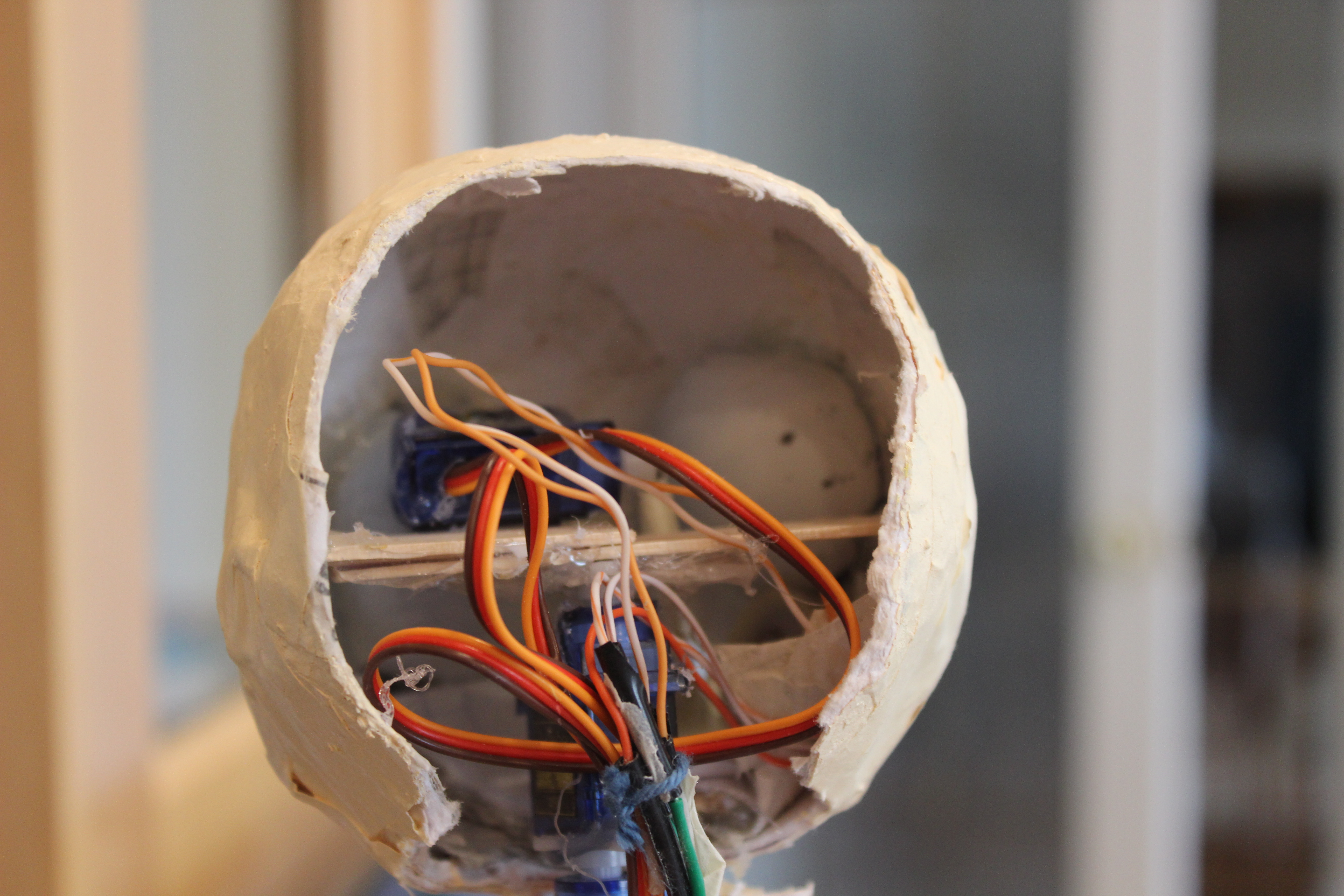
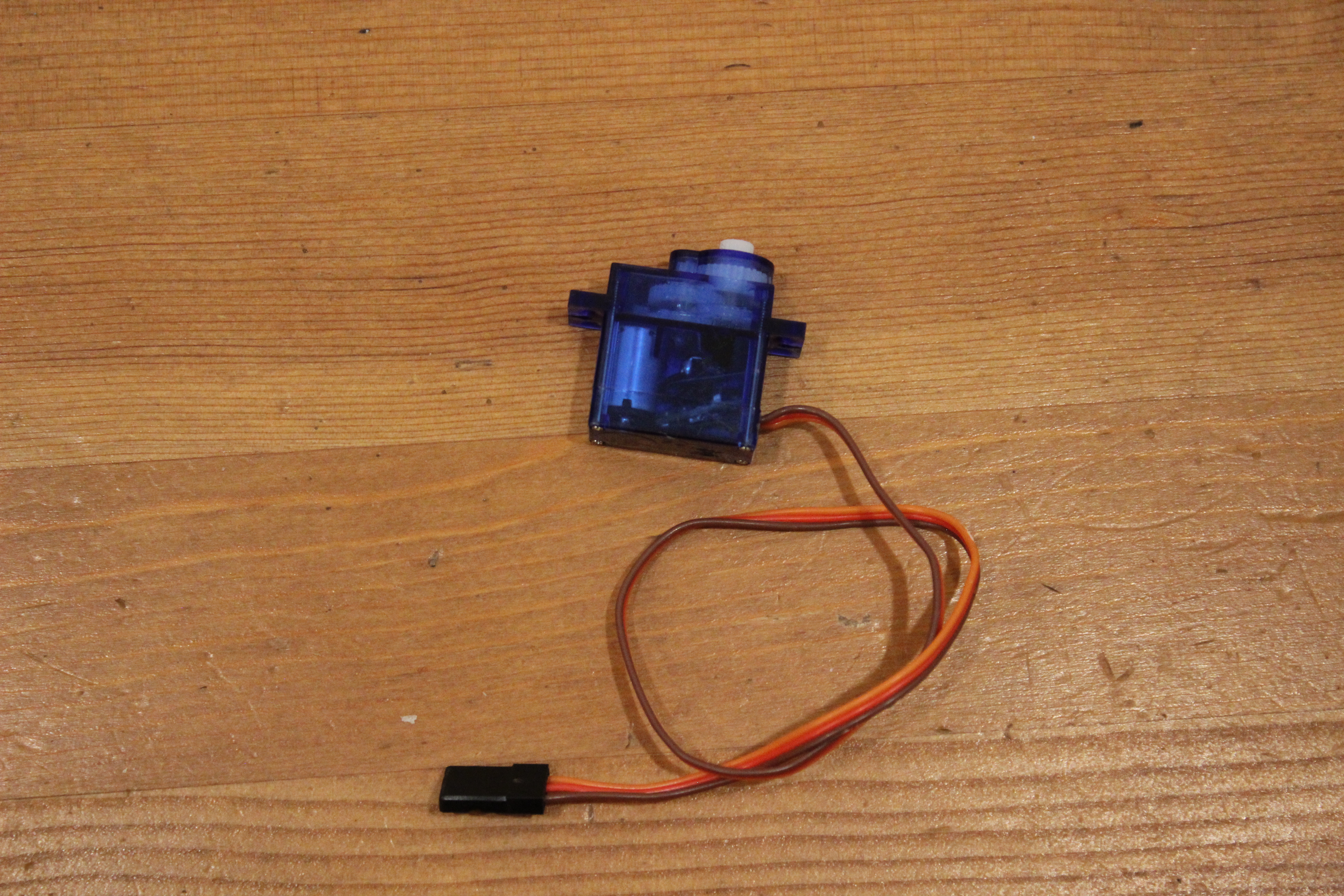
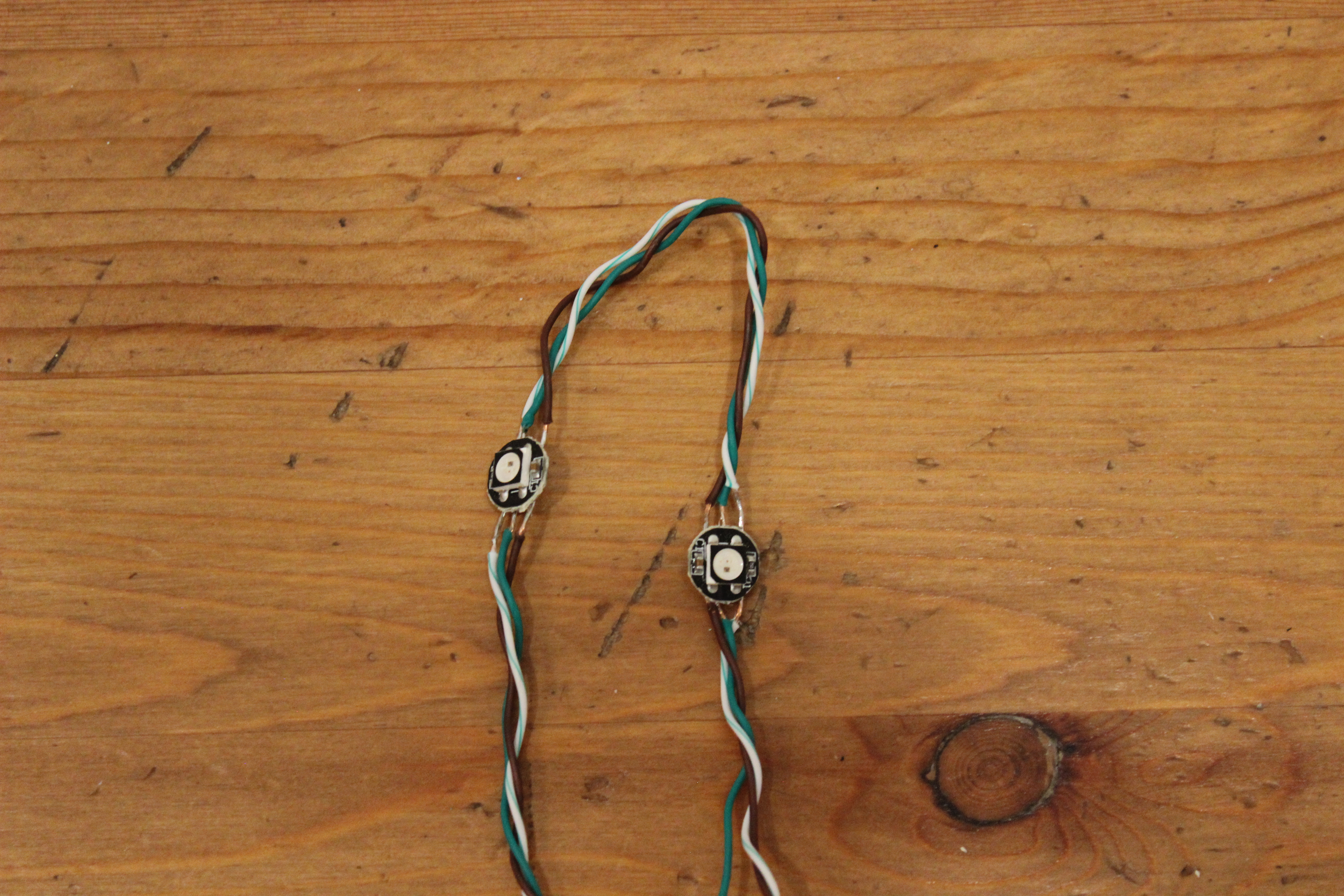
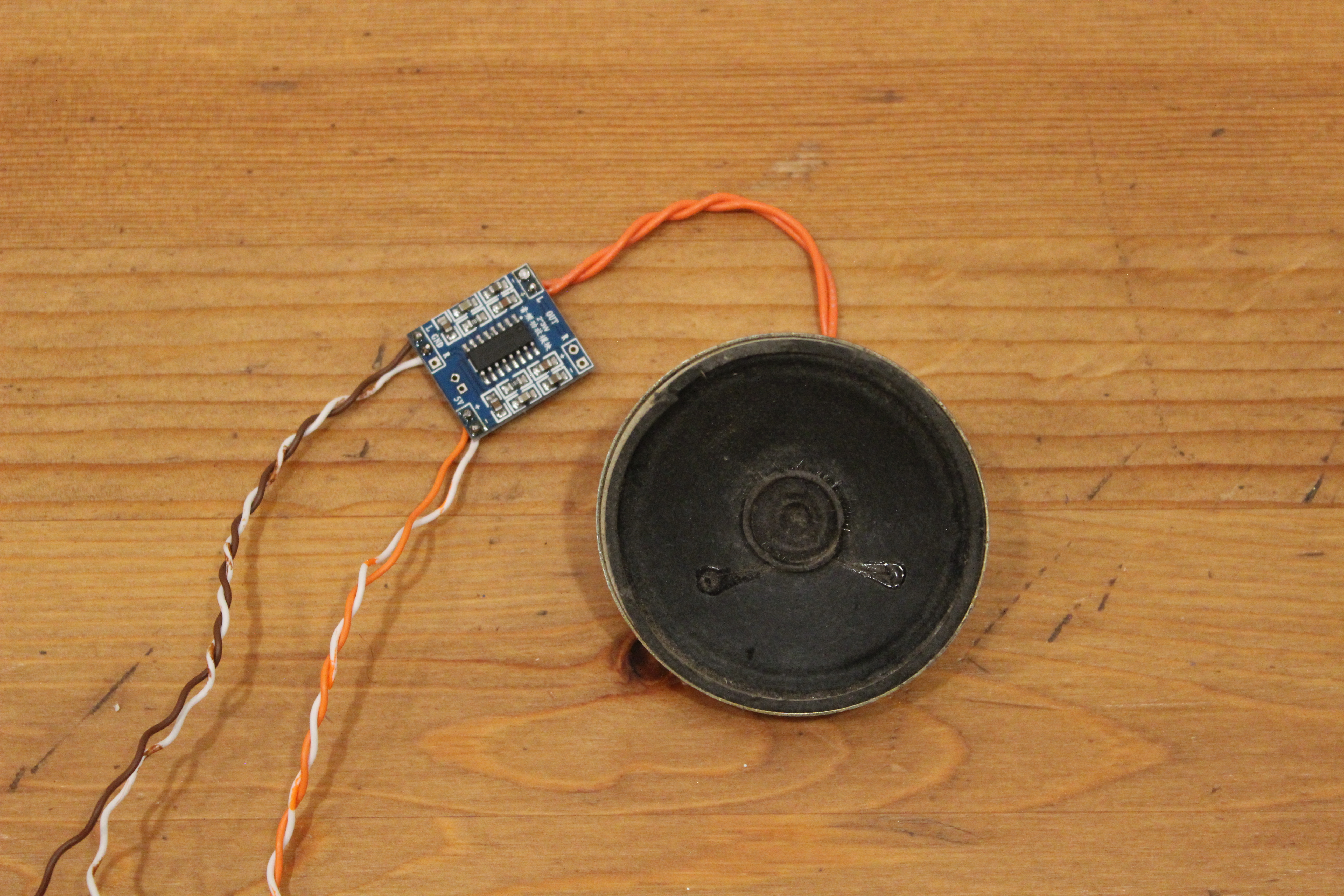
OWLECTO is controlled by an ESP8266 and powered by a 5V external power supply. Two servos attached to one another (to get approximately 360 degrees) control the head movements, and another servo is used to control the beak. Two LEDs are used in the eyes and an 8 Ohm speaker attached to an amp is fixed inside of the head.
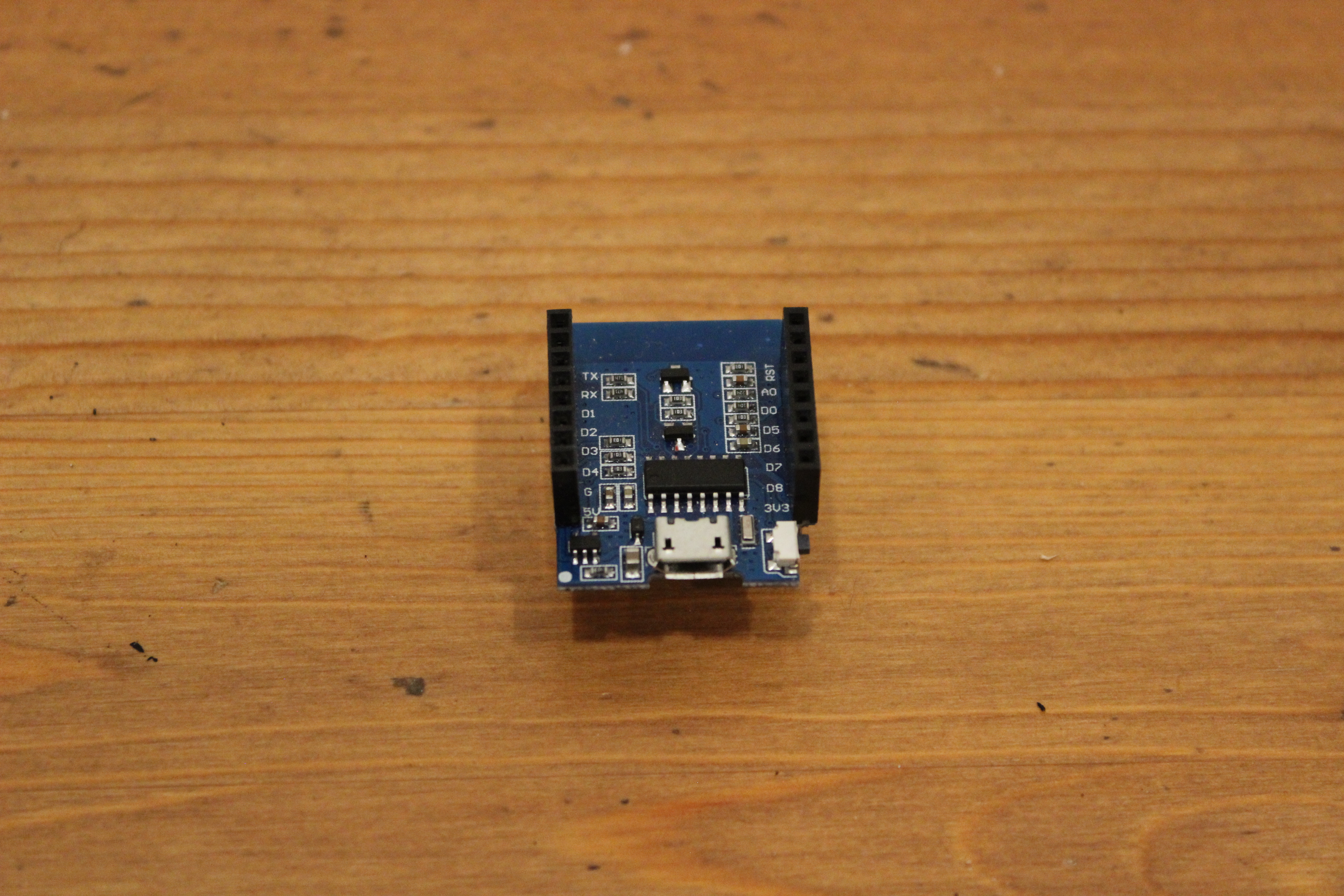
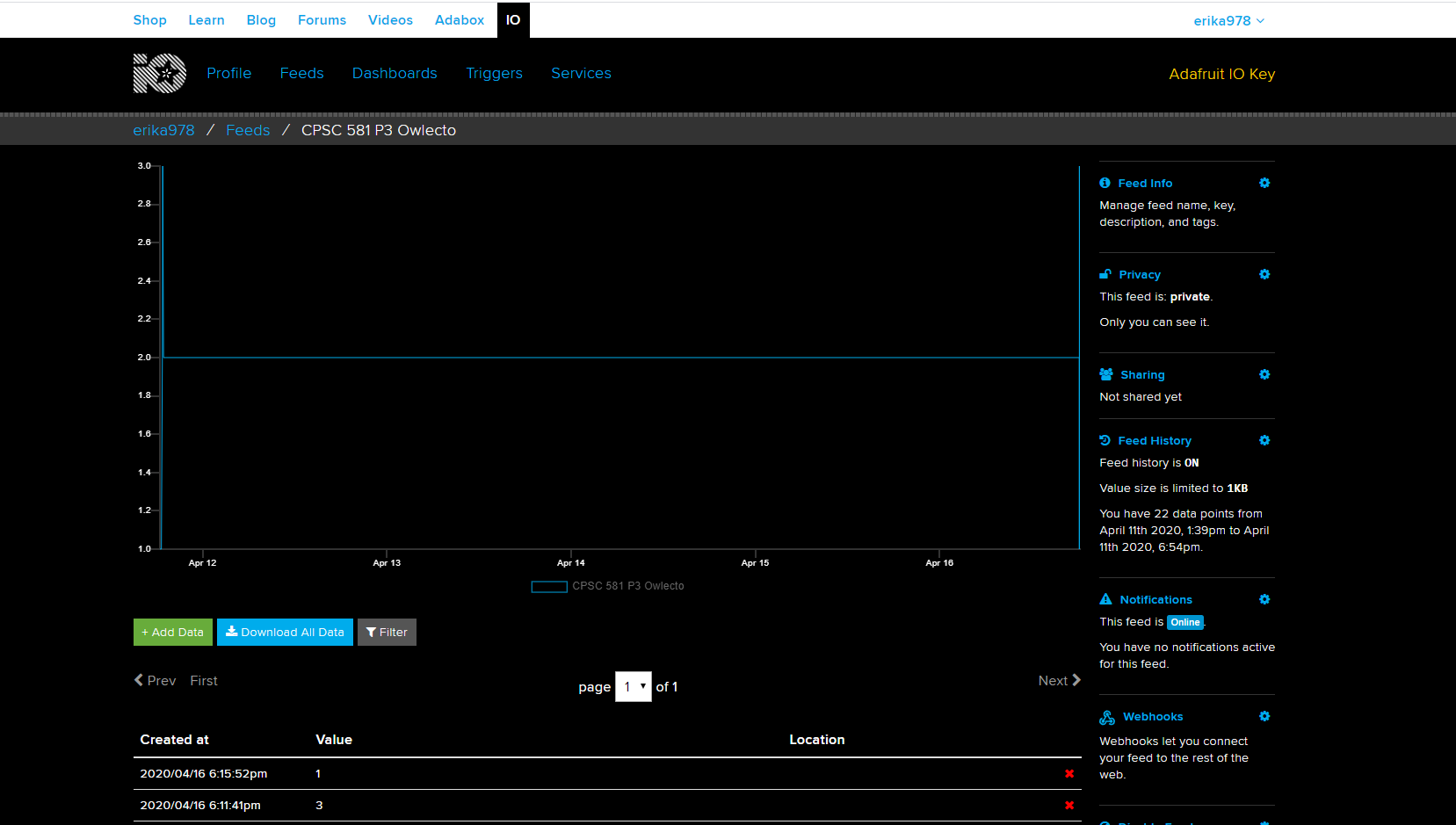
The ESP8266 reads data from Adafruit IO, so to get it working with Google Assistant we had to create an action. Using Zapier, Erika created a script that takes the command said to Google Assistant and puts it in Google Sheets. Then, three other scripts are used to recognize when someone says "Scare", "Spook", and "Traumatize for Life", and then send a number corresponding to which command was given to Adafruit IO.
The largest challenge we faced when creating OWLECTO was determining what kind of embodiment
would be most interesting for the user. If we weren't participating in physical distancing, we
would have liked to get feedback from potential users to improve on our design.
To improve OWLECTO, we would find and play better sound clips so that OWLECTO's hoot sound like and
owl's hoot.
OWLECTO DEMO
Source code here!
My Contributions:
Initial 10 sketches
Refined sketches
Owl design and assembly
Hardware design and assembly
Arduino code development for running the hardware and receiving input from Adafruit IO