Sketch, design, implement and document via a web portfolio an animated touch-based and sensor based interface for a mobile phone that is an alternative to 'slide to unlock'.
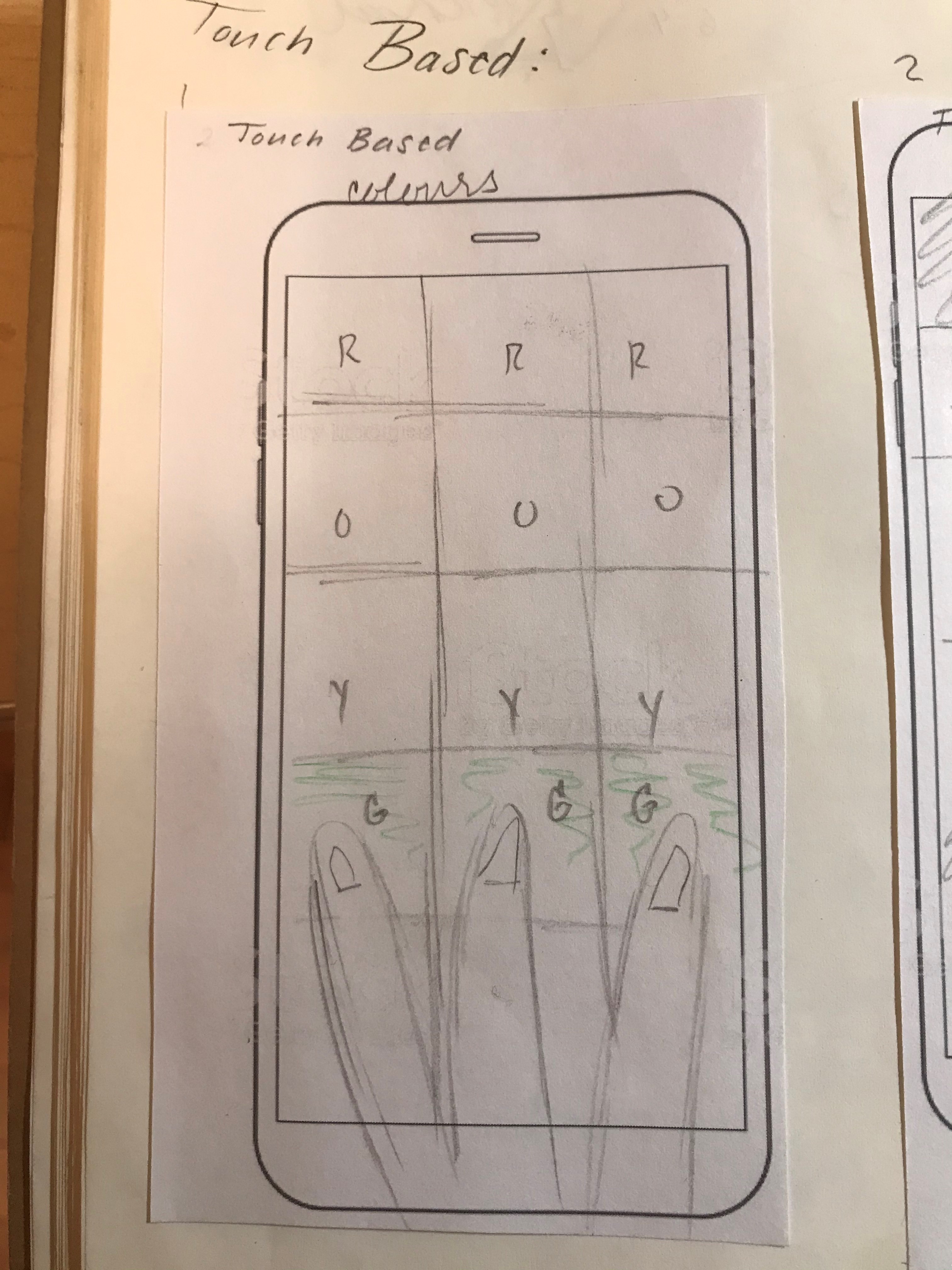
Colour Select: user taps a collection of colours. The right combination of colours unlocks the phone.
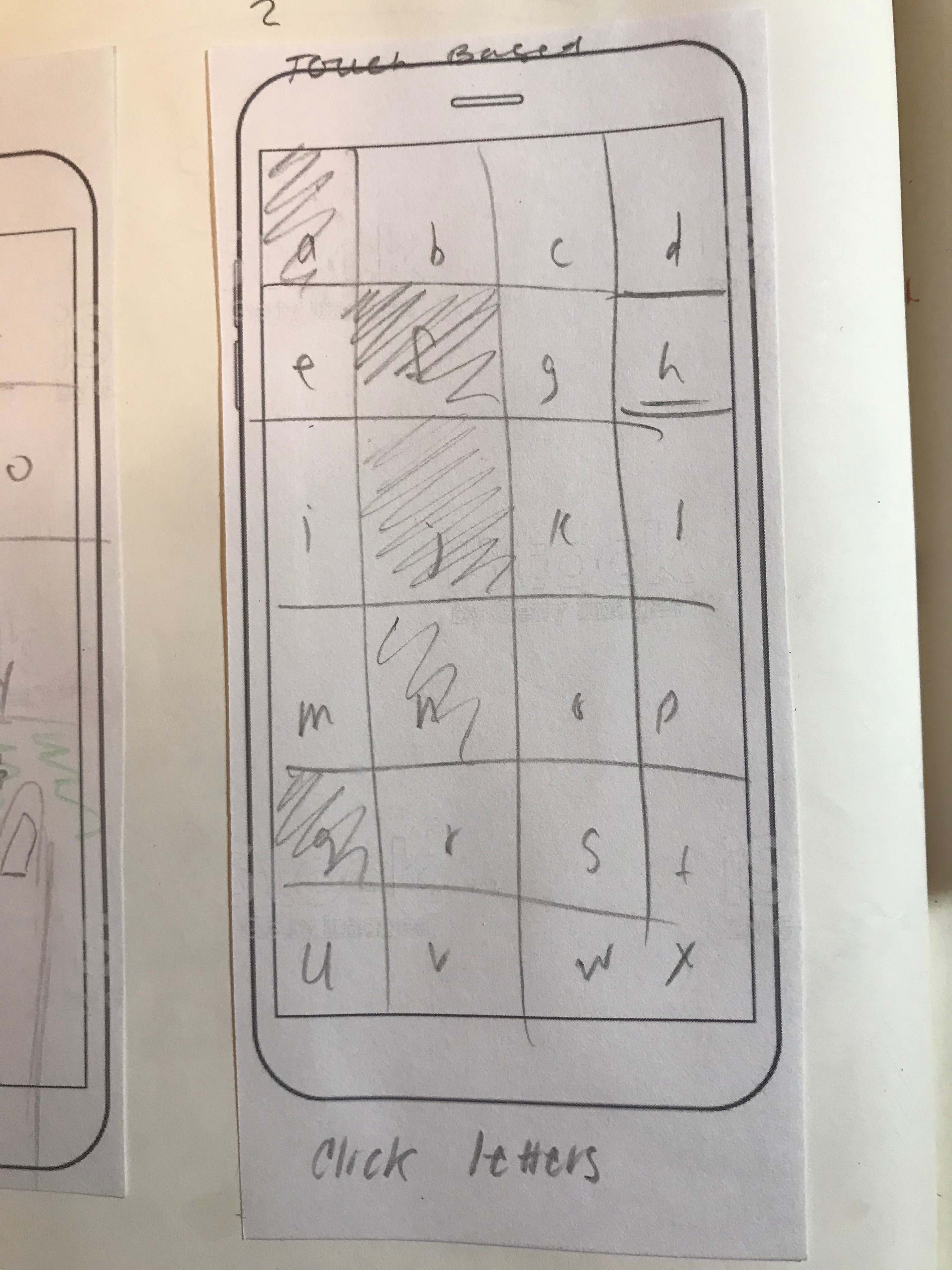
Letter Select: the user taps on certain letters displayed on the screen. The right combination of letter unlocks the phone.
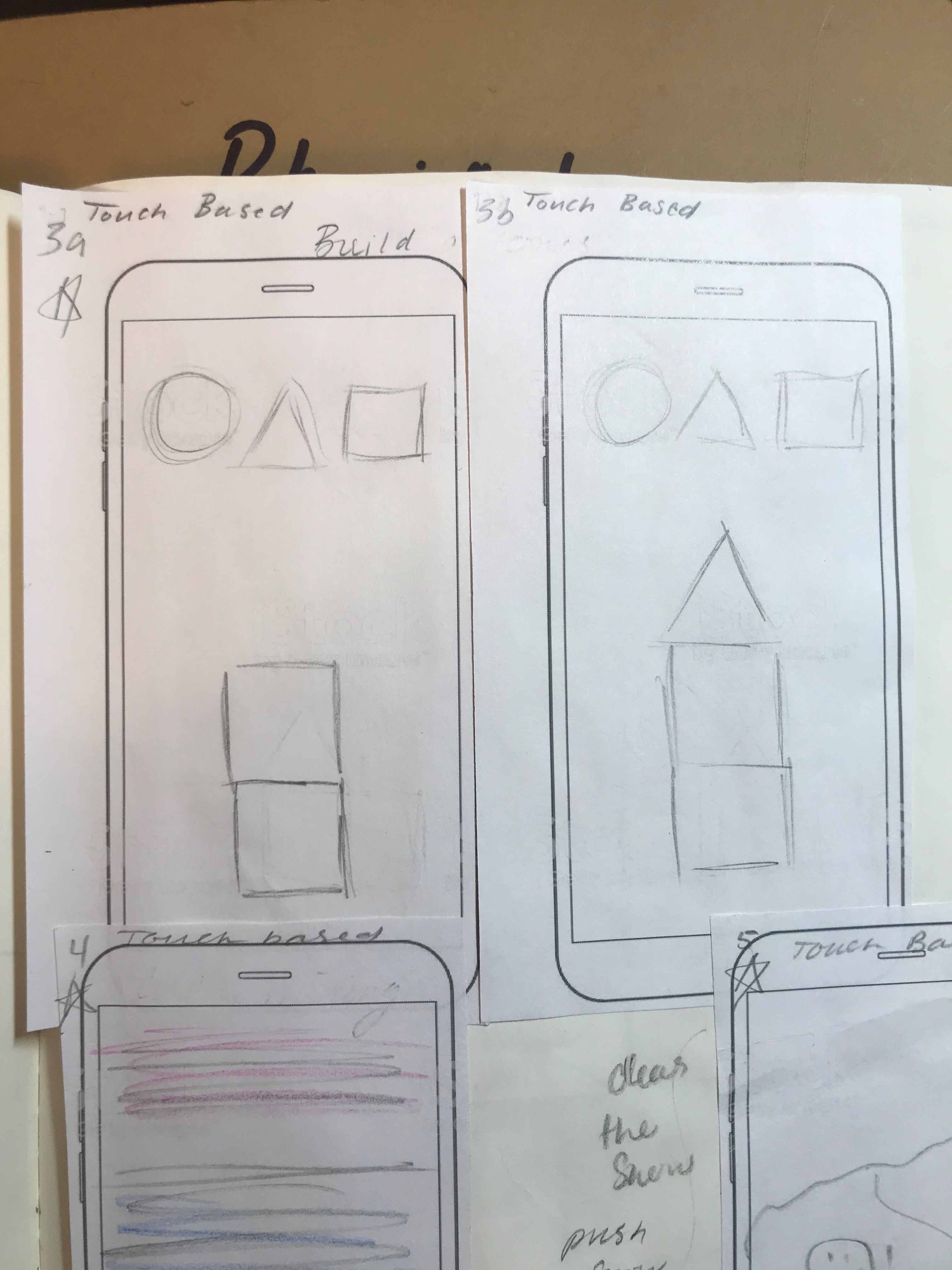
Tower Build: the user drags and drops shapes to build a tower. The right configuration unlocks the phone.
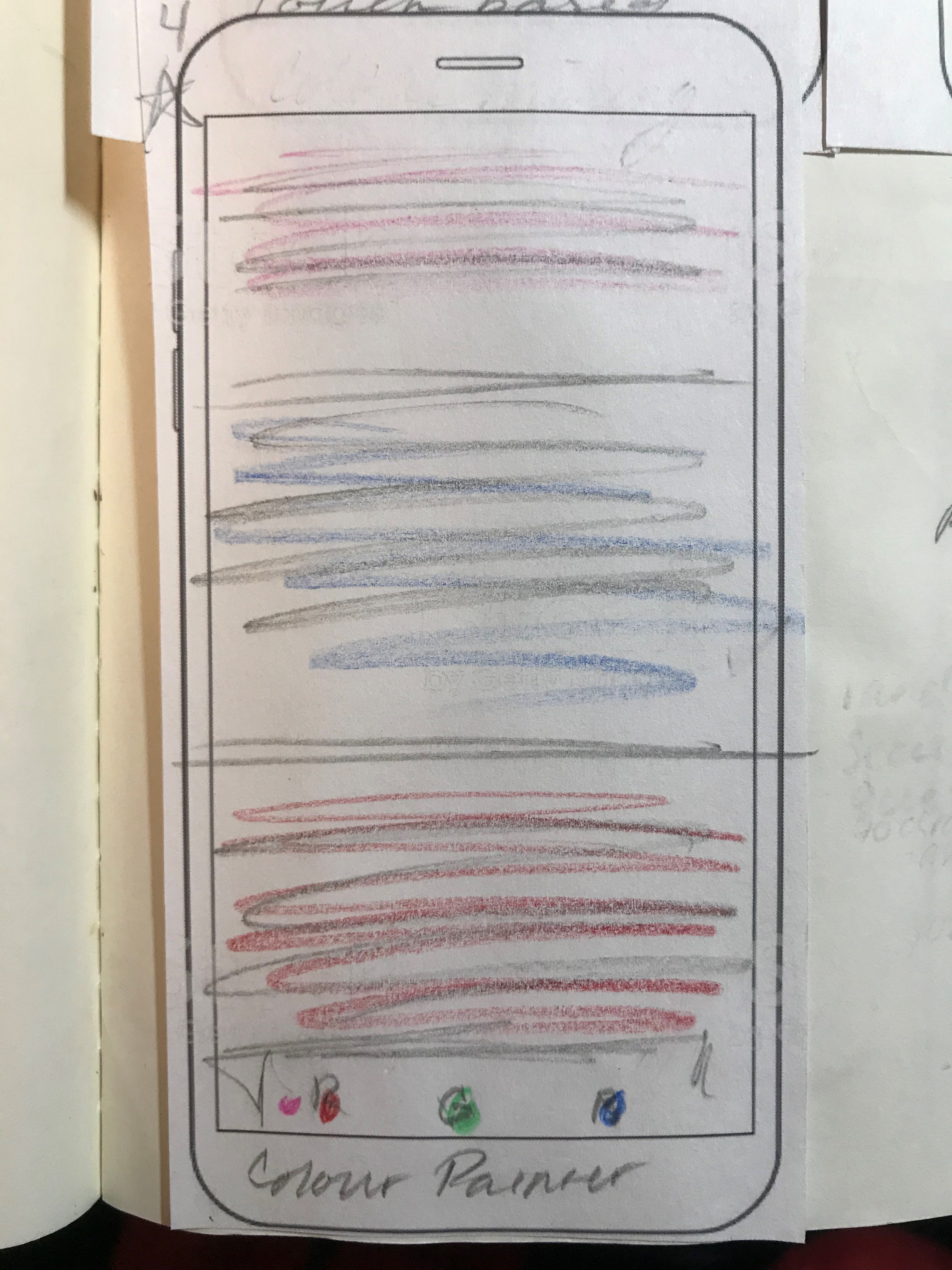
Colour Scheme: the user selects a colour for each of the sections. The correct colour palette unlocks the phone.
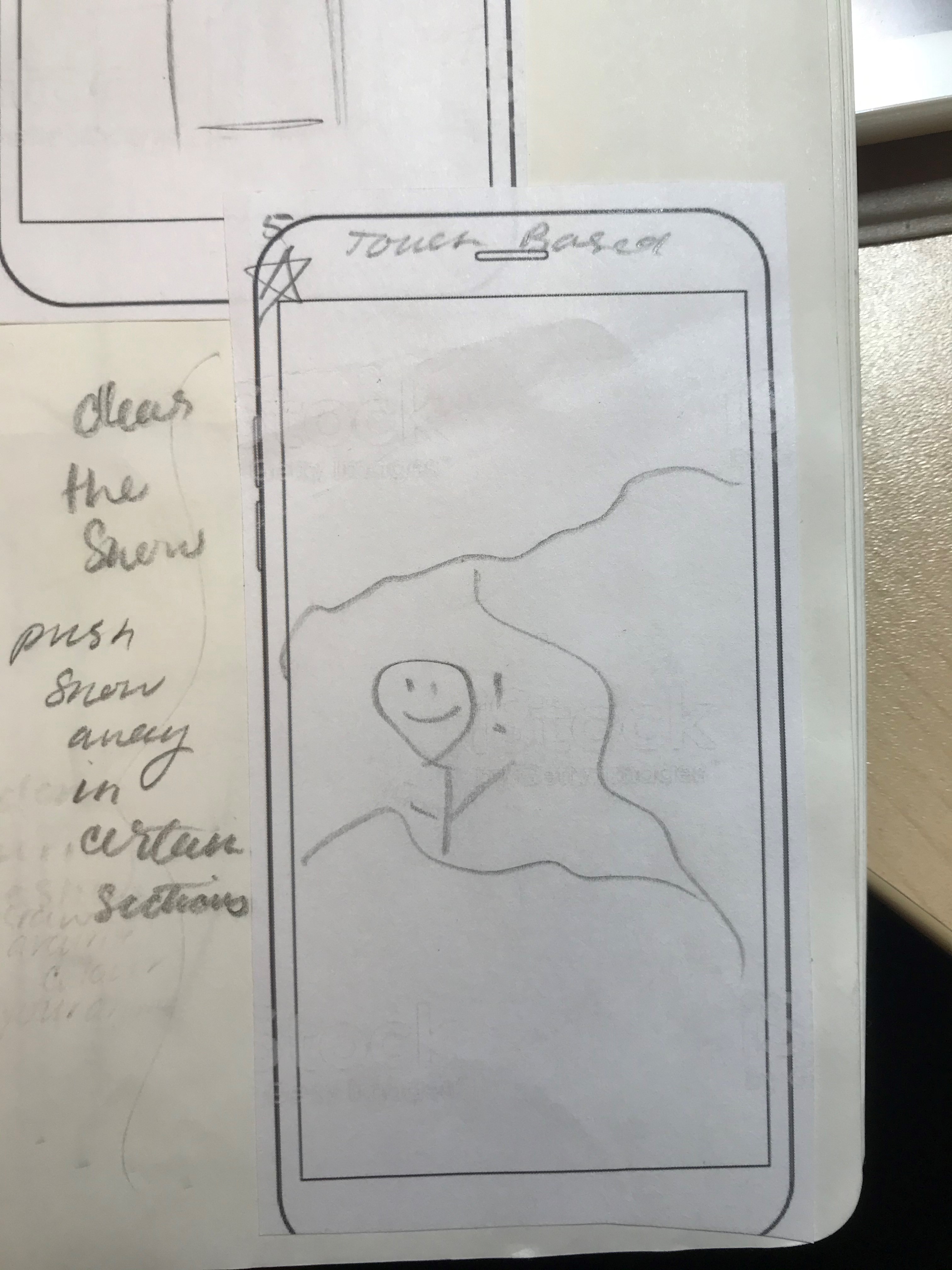
Snow Clear: user "shovels" the snow by tapping certain areas revealing an image underneath. The correct covered and uncovered areas unlocks the phone.
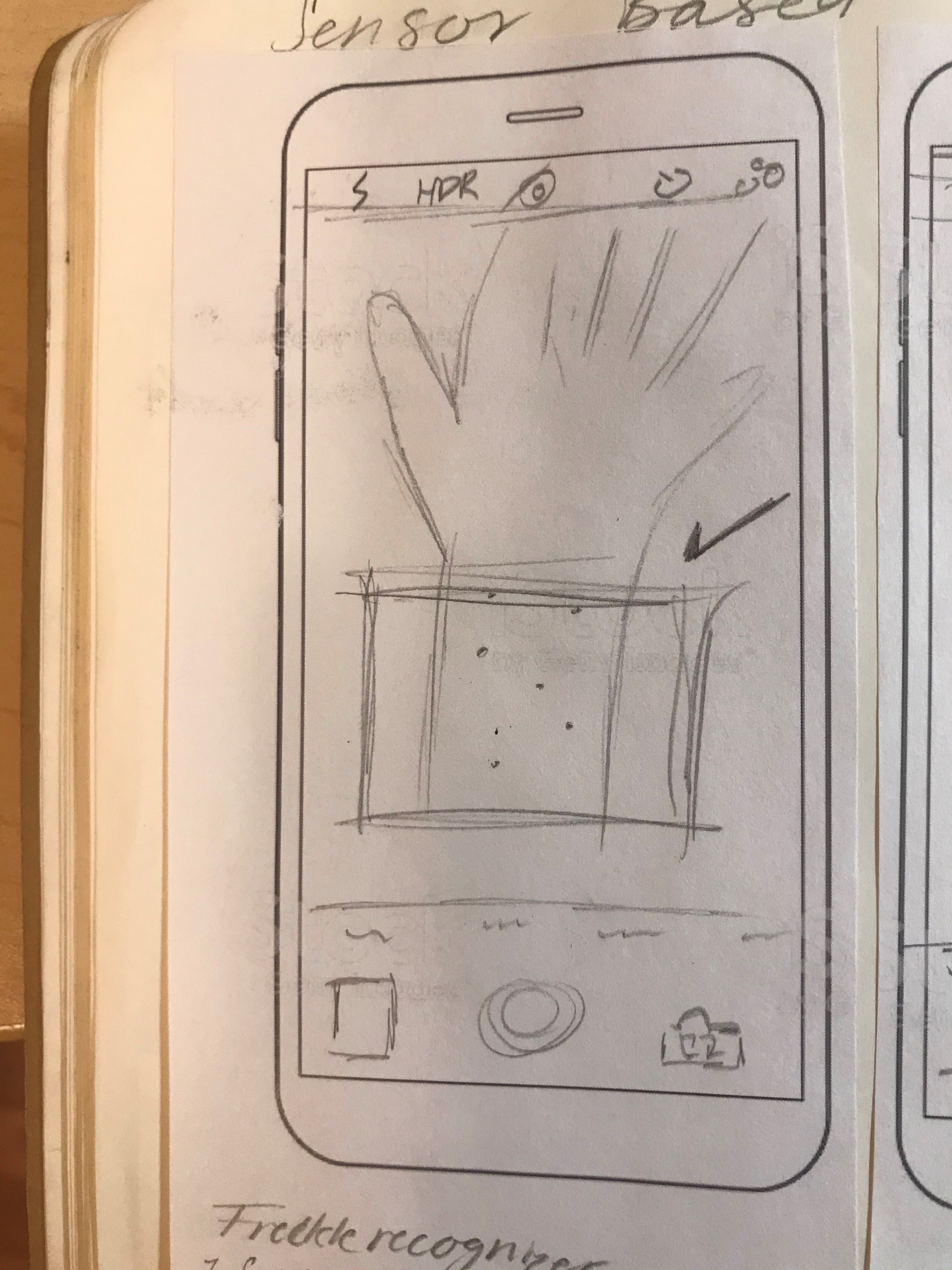
Freckle Recognizer: phone displays a view of the camera on wake. User then points the phone at their arm, and the phone recognizes the pattern of freckles to unlock.
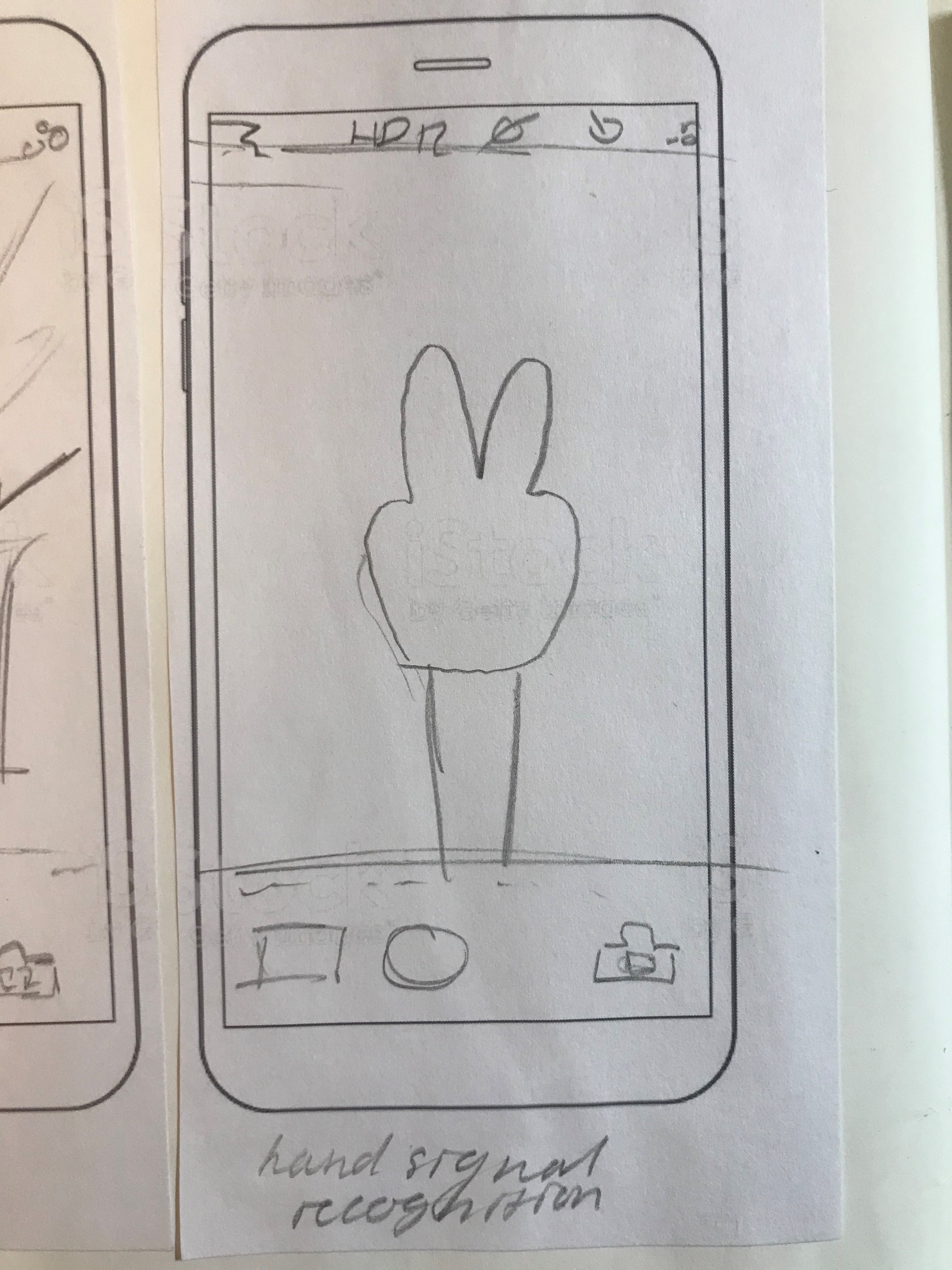
Hand Sign: the user taps to wakeup the phone, which displays a view of the camera. The user makes a sign with their hand which unlocks the phone.
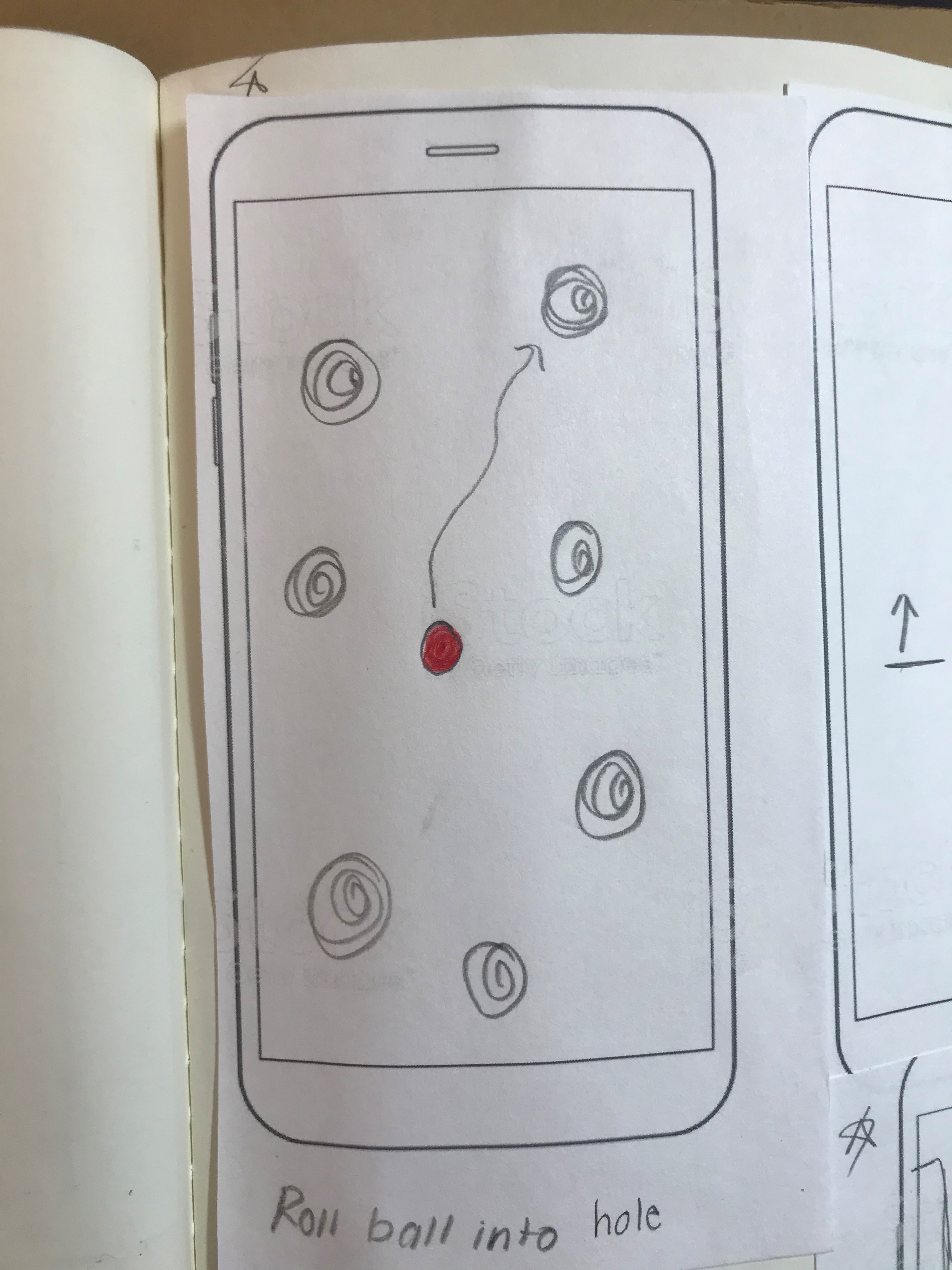
Rolling Ball Golf: the user tilts their phone to get the ball to roll towards a specific and unmarked hole. Getting the ball in the correct hole unlocks the phone.
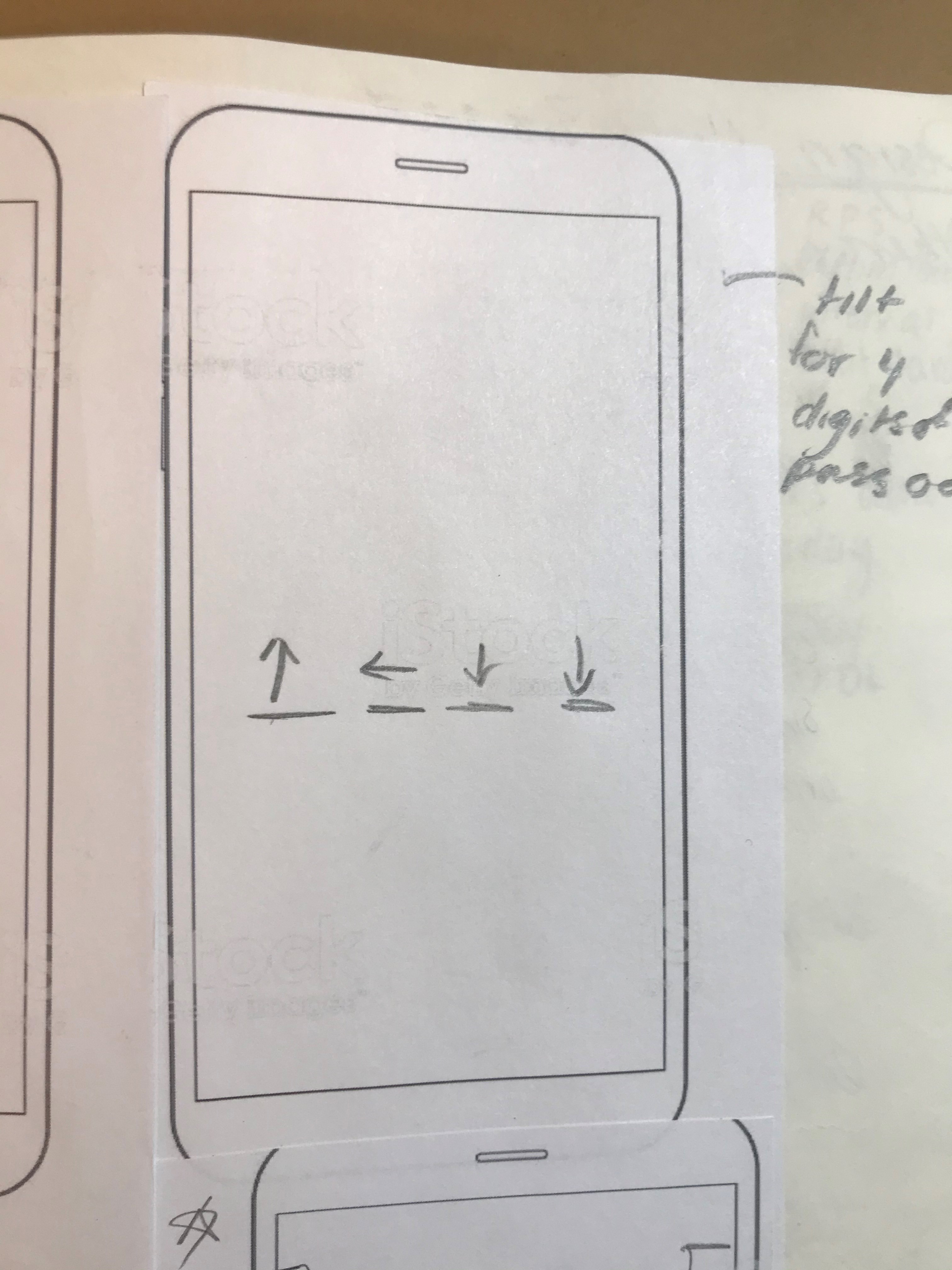
Tilt Sequence: the user tilts their phone in a sequence of directions. The correct combination of directions unlocks the phone.
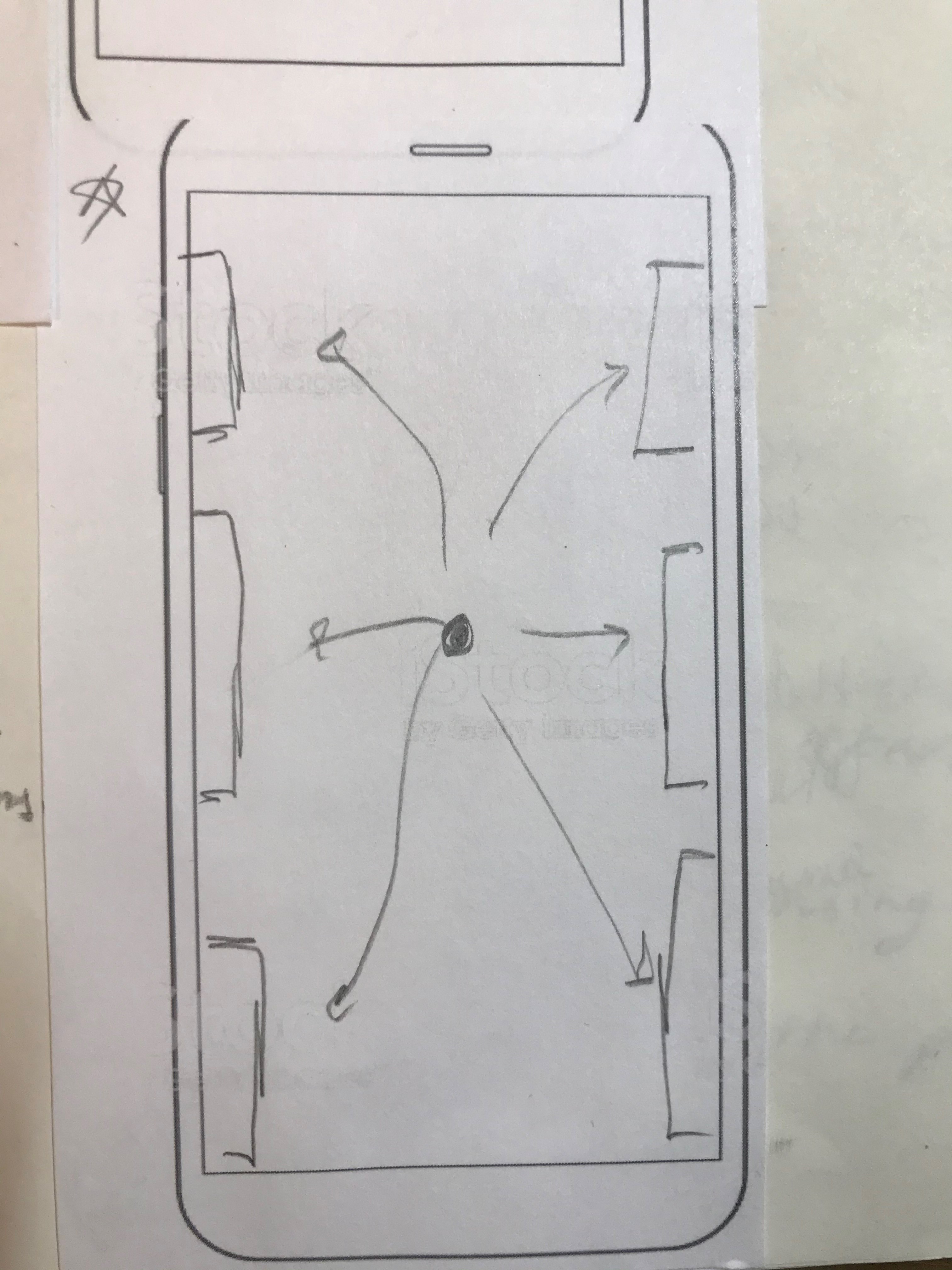
Rolling Ball Button: the user tilts their phone to get the ball to roll and hit the correct sequence of buttons.
For the gesture-based unlock we decided to iterate on an idea proposed by Valerie, where ingredients were dragged and dropped onto a pizza. We explored numerous ideas based around using different foods and their ingredients as a password. We thought that this was a good direction to go in as the number of combinations of individual ingredients would likely be high, thus increasing the difficulty of someone guessing the password, and the recipe could be used to represent the user.
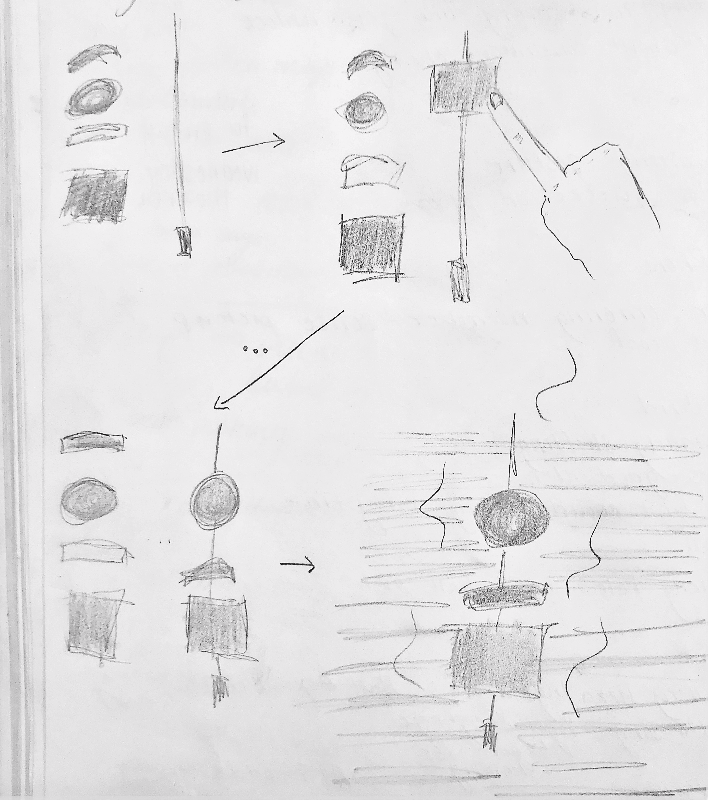
Shish Kabob: the user drags ingredients onto a skewer then touches the skewer to cook it. The phone unlocks if it is the right combination of ingredients.
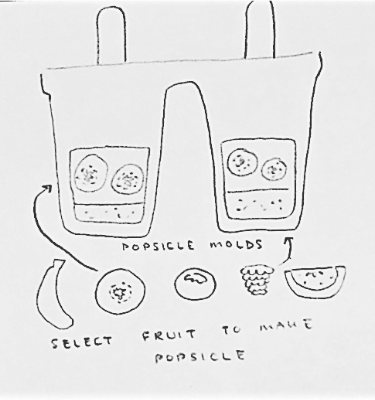
Popsicle: Erika suggested a popsicle as the final treat being made. The user would select the right combination of ingredients to unlock the phone.
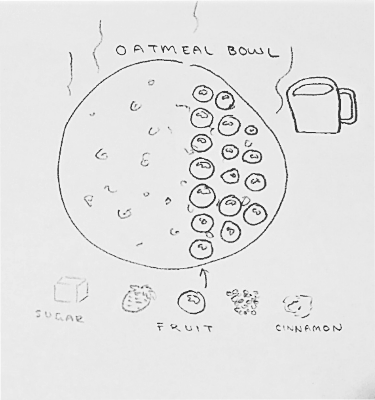
Oatmeal Bowl: Erika suggested an oatmeal bowl. The user selects ingredients to go into their oatmeal and the correct sequence of ingredients would unlock the phone.
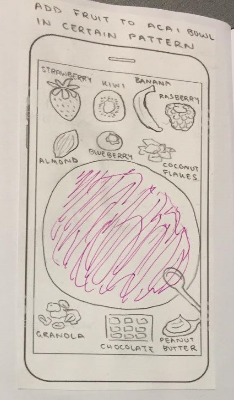
Acai Bowl: Erika suggested building an acai bowl as a password. The user would layer different toppings on the acai smoothie and the right combination and sequence of ingredients would unlock the phone.
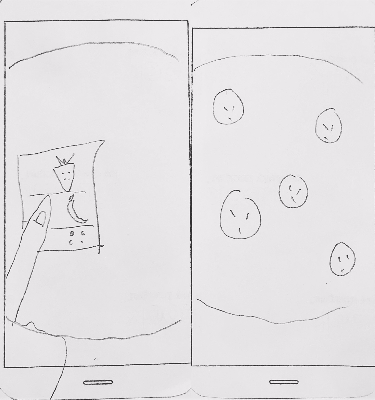
Acai Bowl Ingredient Selection: the user selects ingredients to go on the bowl by selecting each area individually and using a drop down menu.
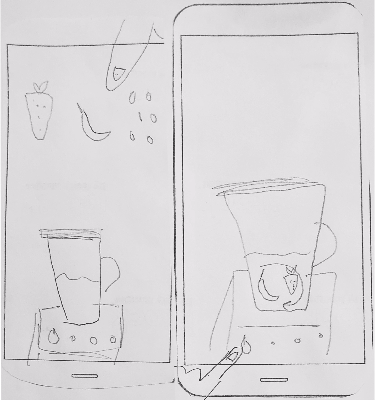
Blended Smoothie: ingredients are selected and dragged into the blender. The user then presses the power button to blend the items together. The phone unlocks if the right combination of ingredients have been added.
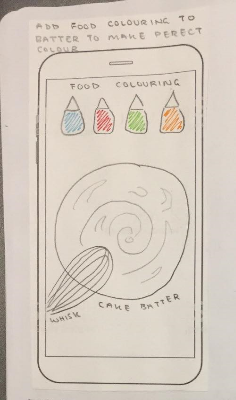
Coloured Cake Batter: Erika suggested using food colouring combinations as a password.
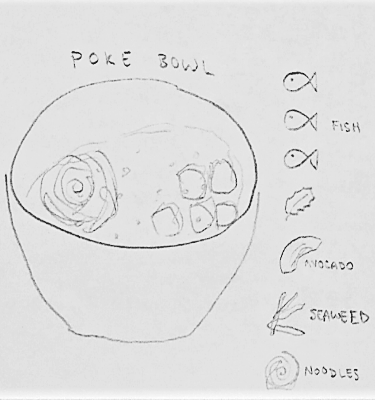
Poke Bowl: Erika suggested a poke bowl. The user would drag and drop ingredients into the bowl to unlock the phone.
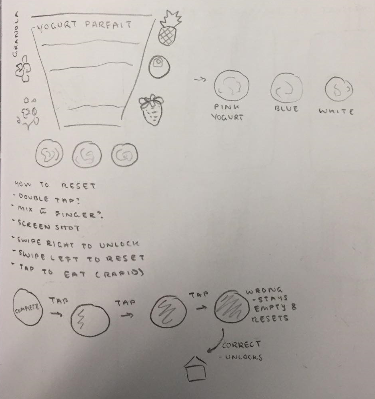
Yogurt Parfait: Erika suggested using yogurt as a base.
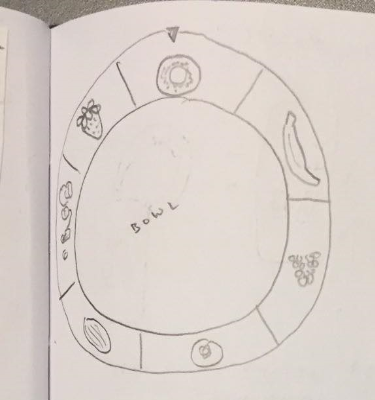
Acai Ingredient Configuration: Erika explored having ingredients wrap around the bowl.
After the initial in-class critique, we weren't overly enthused about any of our sensor-based unlock ideas. So instead we brainstormed again, and decided on using an item important to the user as a "key" to unlock the phone. While trying to identify an item, we thought about what objects would be so unique that only one person would have one on them.
We decided to detect the presence of a horseshoe
While a love for horses isn't as widely shared as a love for dogs and cats, we were particularly enthused about being
able to provide something for this niche. We figured that it would be pretty rare for someone to carry around a horseshoe,
so why not use one as a key!
With this in mind, we based our refined sketches on visual clues that would hint at the object being a horseshoe.
Refined Sketches
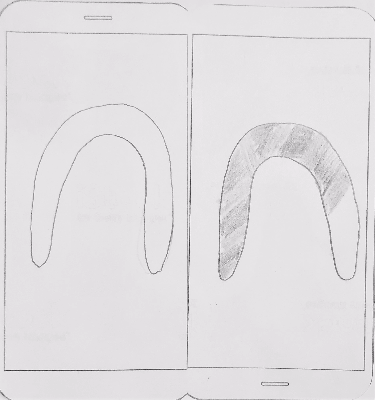
Loading Horseshoe: hold horseshoe to phone. Horseshoe loading bar fills as sensor determines if it is the correct object. We decided not to go with this idea because it gave away the object immediately.
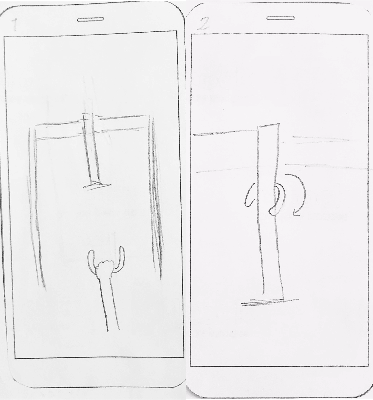
Horseshoe Game: tap horseshoe to phone, horseshoe appears in hand. User flicks phone upward as if to toss horseshoe. The horseshoe spins around the pin, and the phone unlocks. We abandoned this idea because we thought the animations would be too difficult to implement.
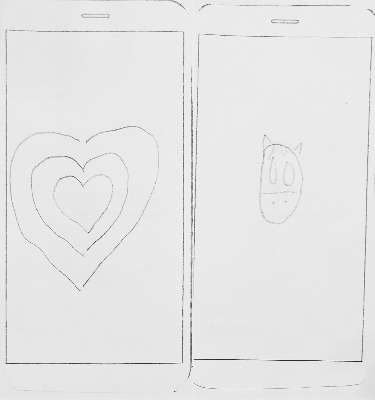
My Favourite Animal Reveal: heart grows as if beating. As horseshoe comes closer to the phone, the heart expands. Tapping the horseshoe to the phone reveals the horse and the phone unlocks. This idea was considered for implementation.
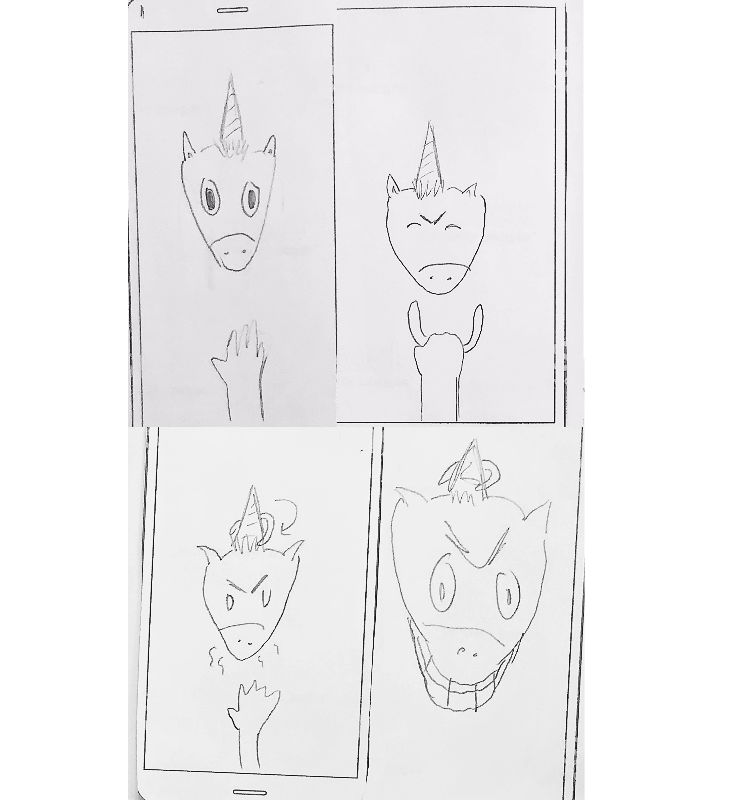
Unicorn Horseshoe Game: a modified version of the horseshoe game where the horseshoe is thrown at the unicorns horn. When the horseshoe spins around the unicorns horn the animal becomes furious. We decided not to go with this idea because the animations seemed too complicated.
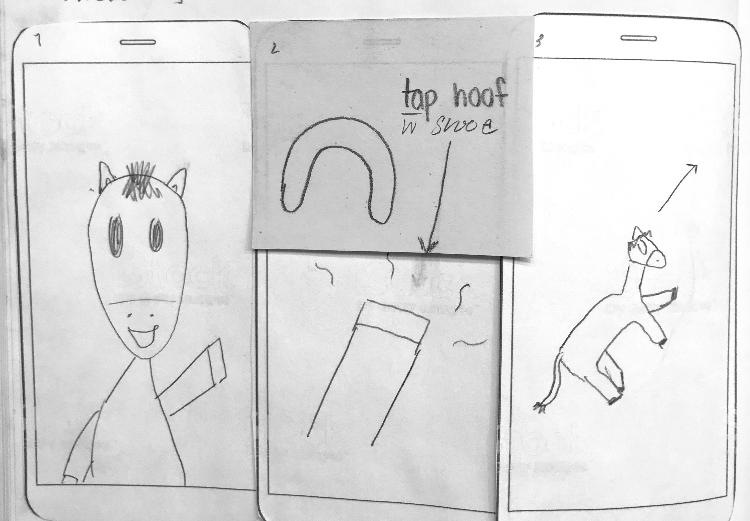
Waving Horse: a horse waves at the user when the phone is idle. User presses a button or taps the phone to wake it up and a horse hoof appears. Tapping the horseshoe to the screen results in an animation of the horse running off into the distance as the phone unlocks. This idea was considered for implementation.
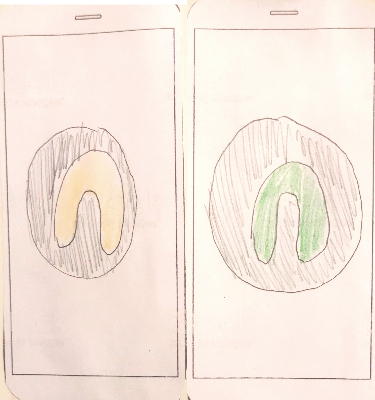
Horseshoe Placeholder: a placeholder for the horseshoe blinks yellow. Once the horseshoe is tapped, the placeholder turns green. This idea was ultimately abandoned because it was clear what object needed to be used to unlock the phone.
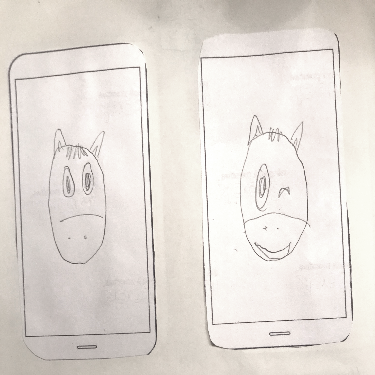
Horse Wink: a horse stares at the user blankly and winks when the horseshoe is tapped to the screen before it unlocks. This idea was abondoned because it seemed to simplistic.
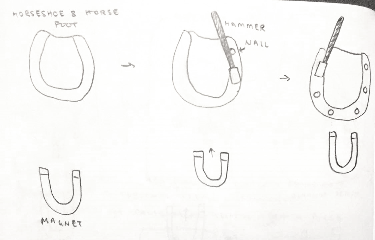
Hammer in Shoe: a horseshoe is shown on the screen. When a physical horseshoe is tapped to the screen, an animation of the horseshoe being nailed into the hoof is shown before the phone unlocks. We decided not to go with this idea because it gave away the object required to unlock the phone.
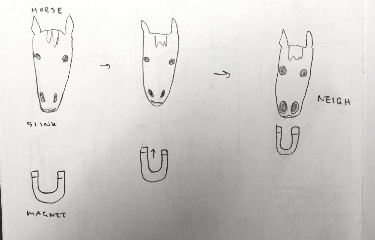
Neighing Horse: an image of a horse is shown to the user. When the physical horseshoe is brought up close to the phone, the horse neighs and the phone unlocks. We did not go with this idea because we thought that it was too simplistic.
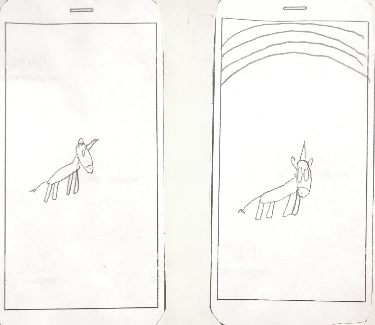
Grazing Unicorn: a unicorn grazes on the screen. The user must tap the horseshoe to the rainbow to unlock the phone. This idea was considered for implementation.
After iterating on the visual cue, we decided on using a unicorn to represent the equestrian theme. Outside of that, no
other hints would be given about the object. Further, we decided on using a rainbow to guide where the horseshoe would need to
be tapped. This fit the theme, served as a way to show that the sensor was calibrated, and ensured that we could read a semi-accurate value
every time.
To unlock the phone, users must first tap the unicorn to calibrate the magnetic field sensor. A rainbow appears once it is ready.
The user must then tap the horseshoe on the rainbow. If the correct magnetic field is read, then the unicorn dances and the phone
unlocks.
Source code here!
My Contributions:
Initial 10 sketches
Refined sketches
Graphics for Shoehorn
Code for Shoehorn